

Connecting / Synthesizing / Transforming
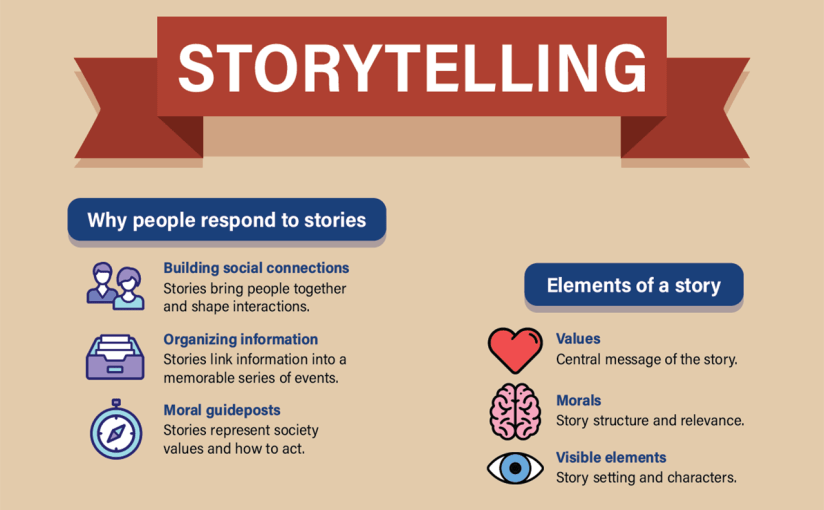
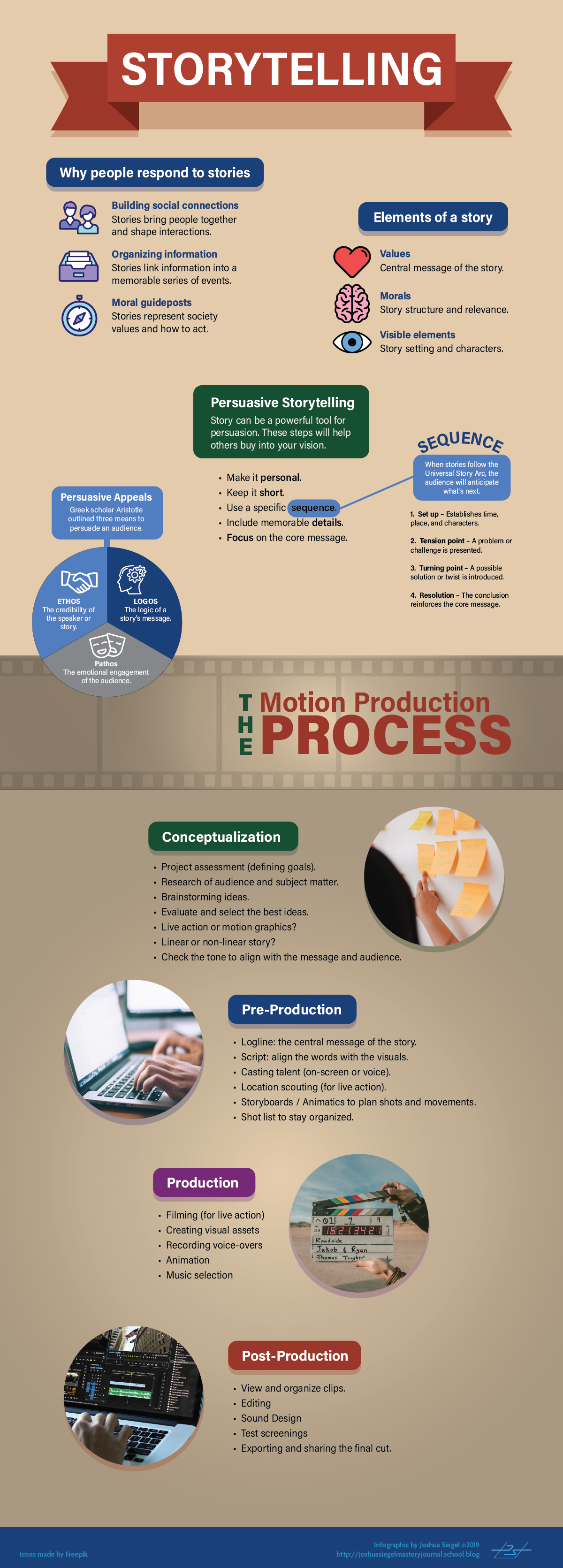
Design is about communication. In the information age, vast amounts of data are available but not easily understood. Therefore, designers must find ways of communicating abstract ideas and data through visuals that connect with the target audience. This connection is stronger when storytelling is used to engage the audience.
Crooks, et al. (2012) note that infographics are used to communicate a specific message using data visualization. Telling a story makes the visualization more interesting and engaging. Durcevic (2018) adds that a well-told story makes data easier for the audience to understand.
I connected this information to what I already knew about storytelling as a writer and filmmaker. Many stories follow a familiar dramatic structure known as Freytag’s pyramid. Nineteenth century German author Gustav Freytag described the dramatic structure of a story as a pyramid shape containing five dramatic elements: exposition (introduction), rising action that often begins with an inciting incident, the climax, falling action, and resolution.
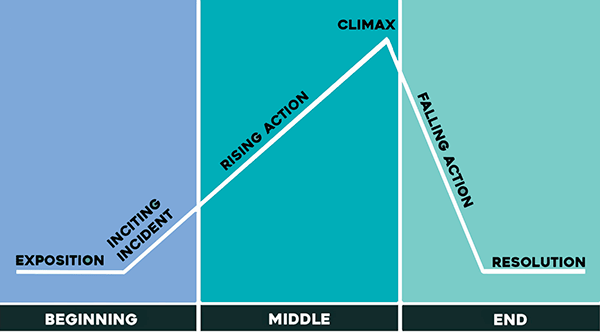
Every story arc has a beginning, middle, and end. For a data visualization like an infographic, the story arc could take the form of a presented design problem (the conflict or inciting incident), responses to possible solutions (rising action), and the final conclusion that led to a design solution (the resolution).
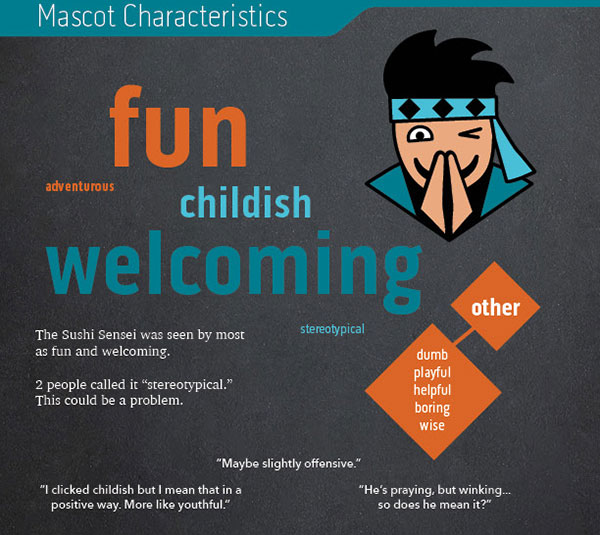
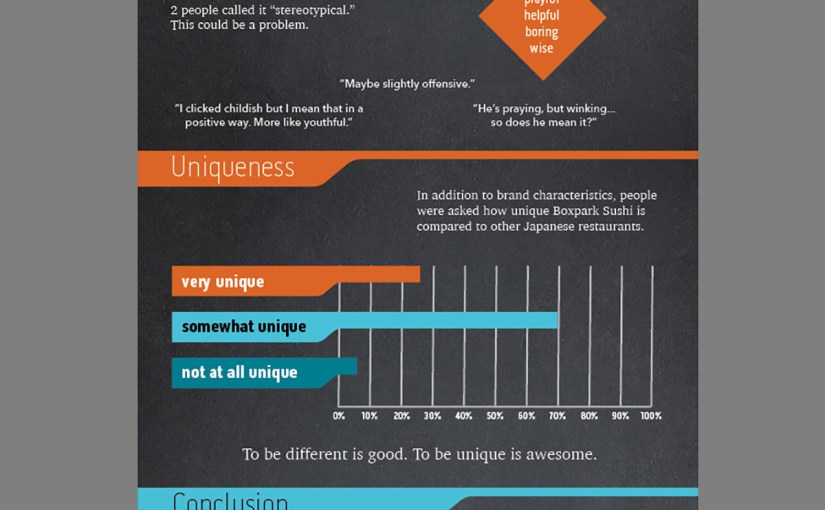
I applied this knowledge when developing my survey results infographic. The introduction sets up the design problem. Do the Boxpark Media assets communicate the brand’s characteristics and values? Each section of the infographic adds information in the brand voice (see below) with rising action. The climax, while not very exciting as stories go, identifies a potential stereotypes issue that is addressed in the conclusion.
Problem Solving
To tell the story of how survey respondents described Boxpark Sushi, I needed to utilize the brand voice and visual elements of the brand, including the Sushi Sensei, in the infographic. A chalkboard background helped communicate the brand’s educational characteristic. However, communicating the brand’s fun side was an enlightening design problem.
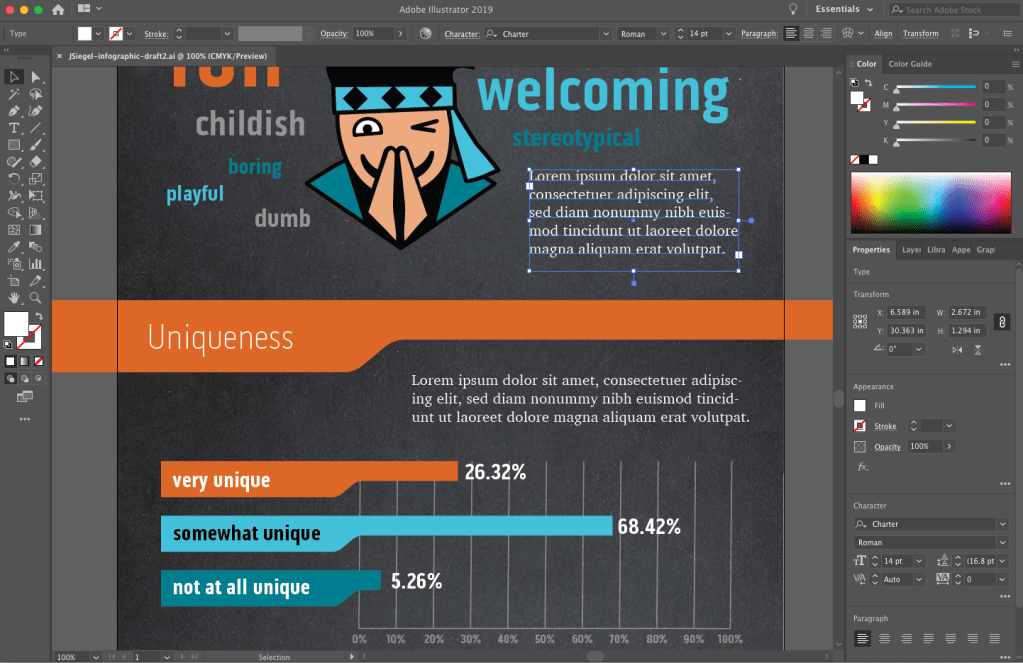
The infographic first draft utilized vector emojis downloaded from Adobe stock to demonstrate respondent opinions of sushi. A peer review of the infographic draft noted that the emojis are witty and fun, but they are a concept that is not used in other brand designs. This creates a disconnect from the overall brand.
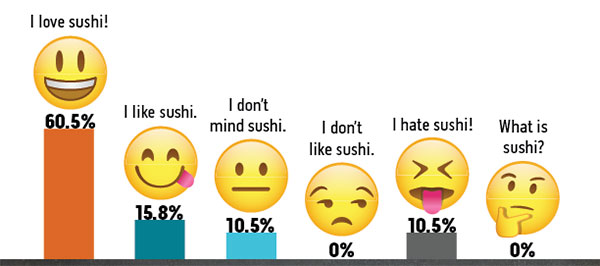
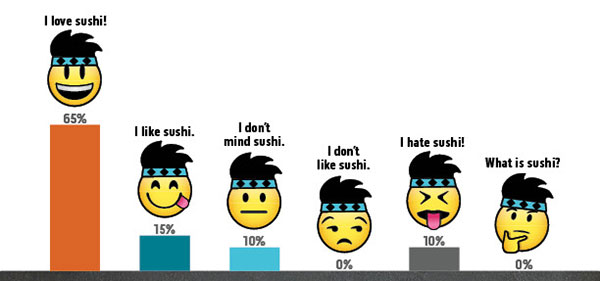
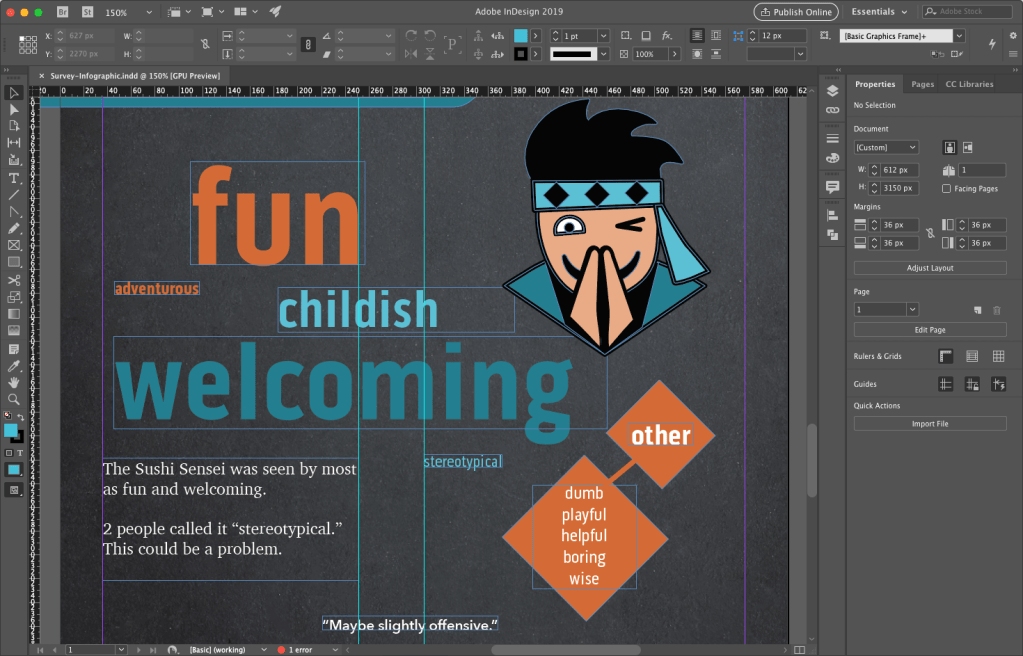
To correct this issue, the second solution modified the emojis by adding the Sushi Sensei headband and hair. This customized visual styling makes a closer connection to the brand while reinforcing the fun aspect. It also adds to the storytelling by tying the Sushi Sensei voice to the visual style.
Innovative Thinking
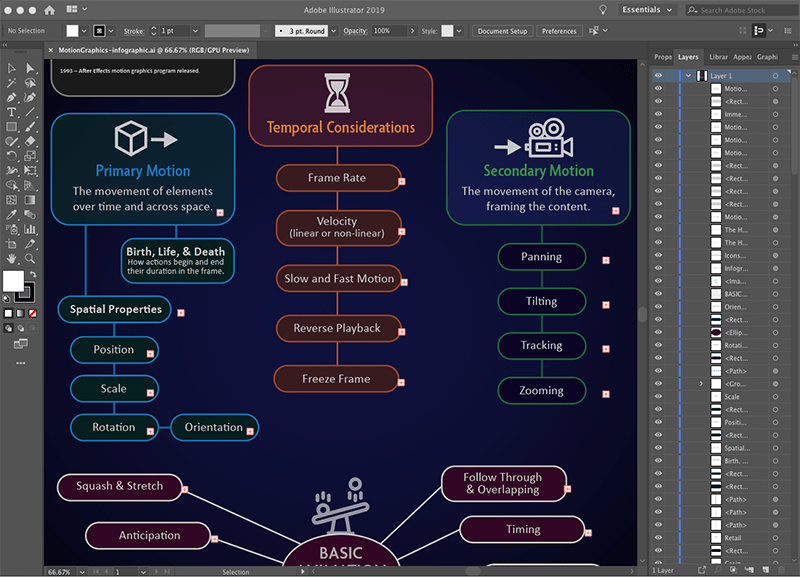
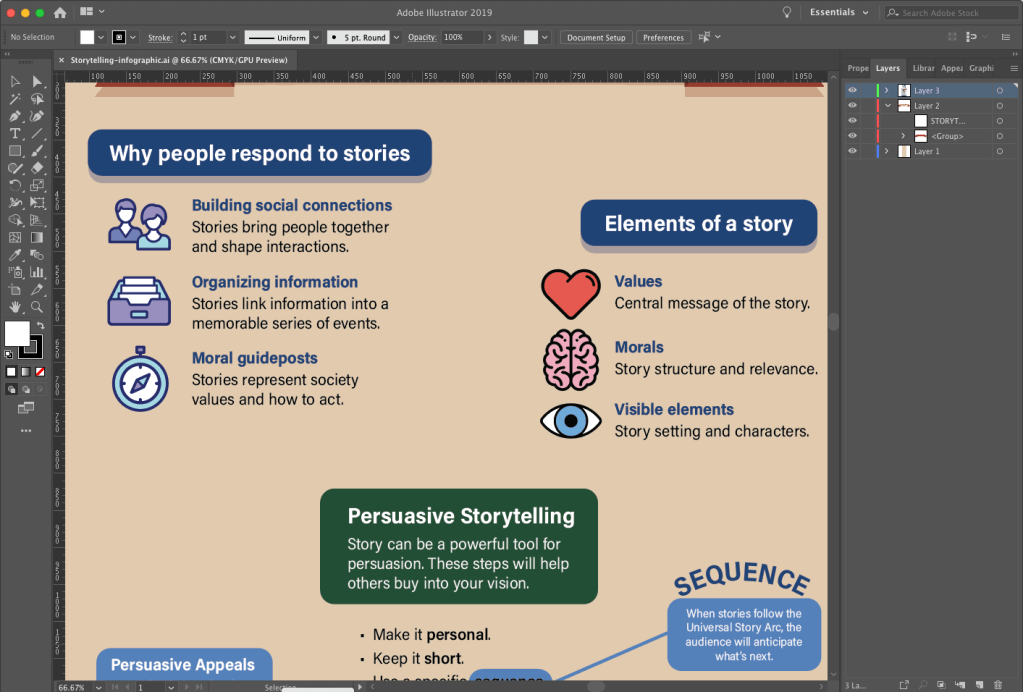
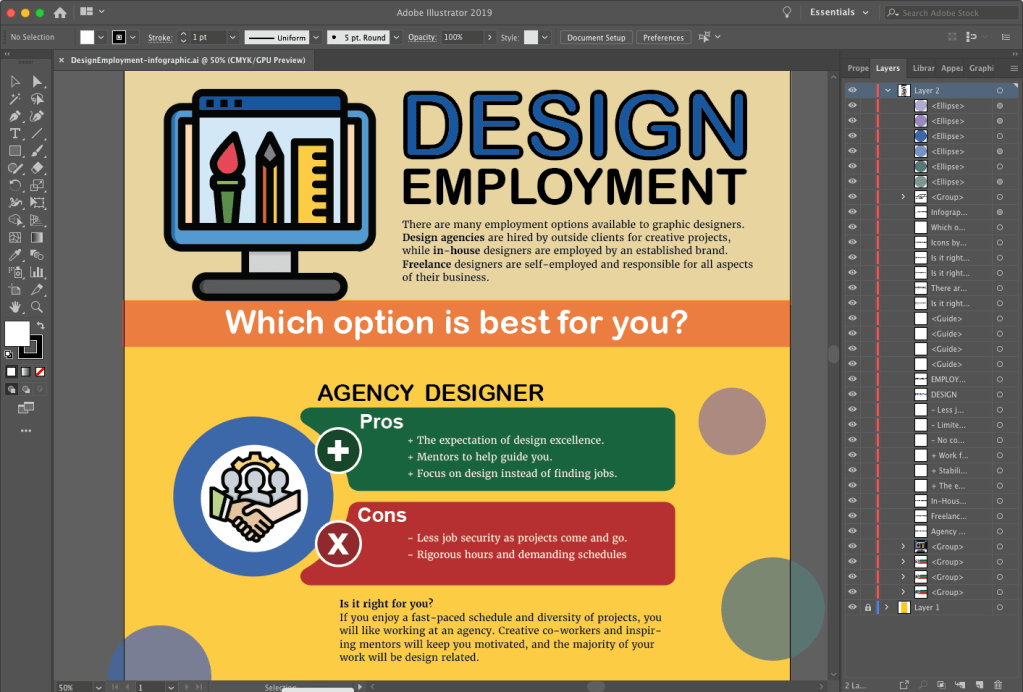
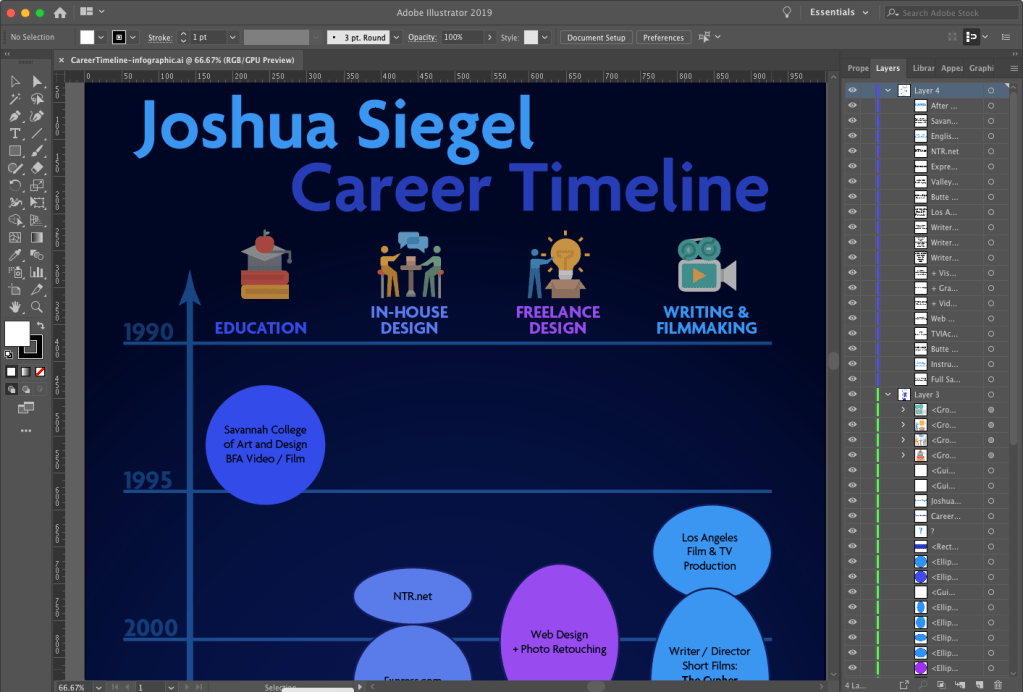
Adobe Illustrator is a powerful tool for designing vector graphic. I have used Illustrator to create infographics for previous assignments, and it appears to be the preferred tool for most infographic designers. For example, a search for “infographics” on LinkedIn Learning showed many courses focused on Illustrator as the primary software used. Although Illustrator is powerful and easy to use, I discovered its limitations when designing the Boxpark Sushi survey results infographic.
Normally, Illustrator files are small and load quickly. But the first draft of the infographic had a very large file size (110 MB) and look several seconds to save or open. The most likely reason for this was the chalkboard background which was a bitmap image rather than a vector graphic. I also found placing images and text to be more difficult than necessary.
As a result, I decided to use Adobe InDesign to create the infographic final draft. While InDesign is more commonly used to design multi-page documents, I found it to be the perfect tool for laying out this infographic. Most of the design elements like the charts and brand assets were already created in Illustrator and Photoshop, so they only needed to be placed and arranged with InDesign. The result was a small file size (only 4 MB) that saved and loaded quickly. InDesign is also better than Illustrator for adding and controlling text.
This project helped me discover a more effective workflow for designing infographics:
- Analyze the data and determine the story you want to tell.
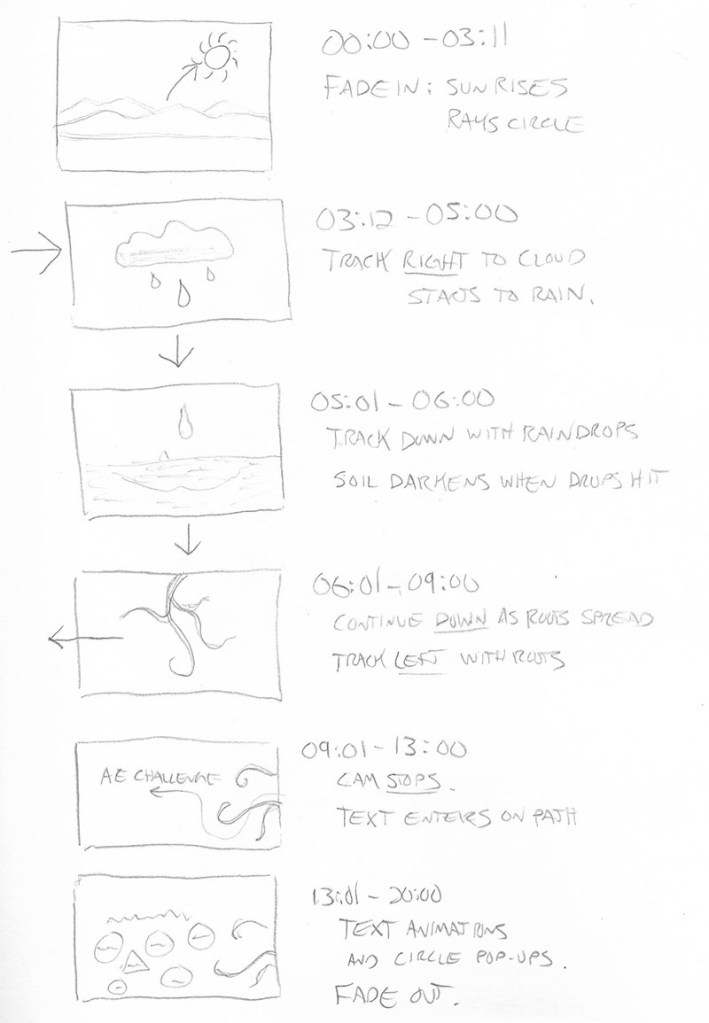
- Sketch out possible layouts and choose the most effective design.
- Wireframe the layout with placeholder text using InDesign.
- Create vector assets in Illustrator and bitmap assets in Photoshop.
- Place visual assets and final copy into InDesign.
Acquiring Competencies
Hard value includes measurable data such as production costs or the number of website visitors. Soft value is less measurable and more subjective. (Occupational, Conceptual)
The Design Staircase™ model, also called the “design ladder,” was developed by the Danish Design Centre (DDC) to evaluate how businesses use design and directly correlate that information to financial gains.
- Stage One: No Design. Design is not used systematically.
- Stage Two: Design as Styling. Design is only used as superficial decoration.
- Stage Three: Design as Process. Design is an integral part of the innovation process.
- Stage Four: Design as Strategy. Design is an integral part of the business strategy.(Occupational, Conceptual)
In the book Universal Principles of Design, Lidwell, Holden, and Butler (2009) introduced a hierarchy of user needs based on Maslow’s hierarchy of needs. The model describes user needs in terms of design functions. (Academic, Conceptual)
Evaluative research on a design ensures that visual elements like colors and fonts not only create a usable experience, but also express complex brand traits like friendliness. (Occupational, Conceptual)
An evaluation matrix measures levels of success for each criterion of a design, such as an idea’s potential impact and its expected shareholders. This provides deeper insight than pass-fail (yes or no) evaluations.
Modern designers are no longer just hired to create artifacts like posters. Today, they create ideas and develop novel ways to communicate a message. (Occupational, Conceptual)
Data Visualization communicates data through visuals that connect with the target audience. (Occupational, Conceptual)
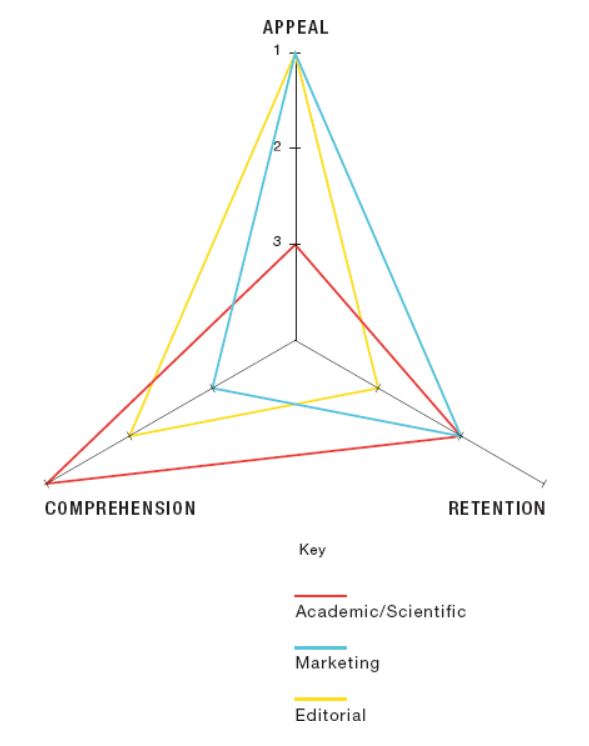
The objectives of an infographic (academic/scientific, marketing, or editorial) decide if the designer should emphasize appeal, comprehension, or mental retention. (Occupational, Conceptual)
Data visualization can be organized and presented as a story arc with conflict, rising action, and resolution. (Occupational, Conceptual)
Chart Legends should be avoided because they require the reader to work harder to interpret the chart. Instead, the same information can be more effectively presented by labelling data sets directly on the chart. (Occupational, Technical)
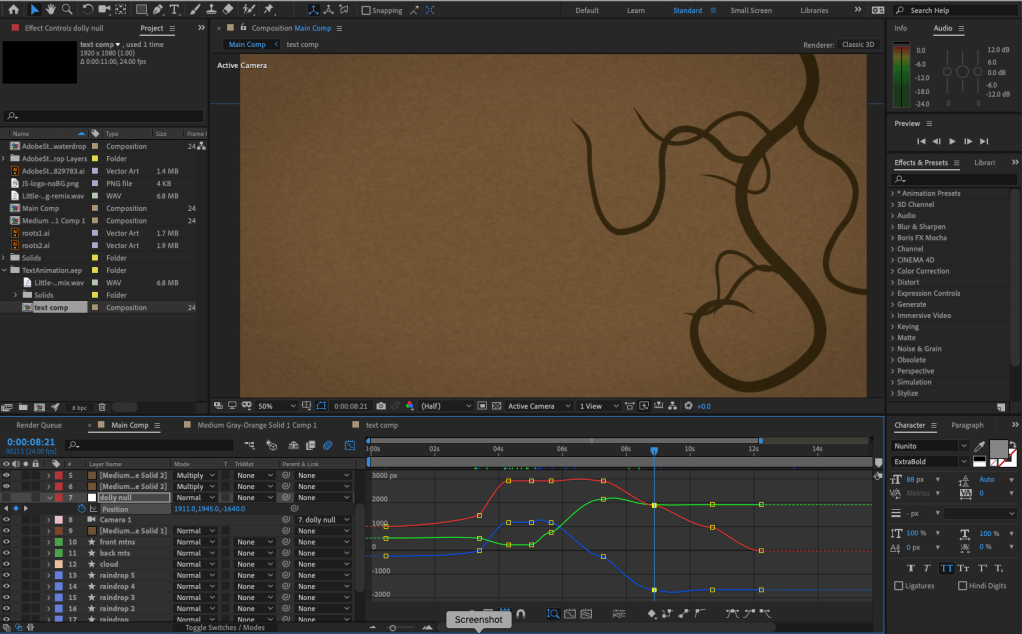
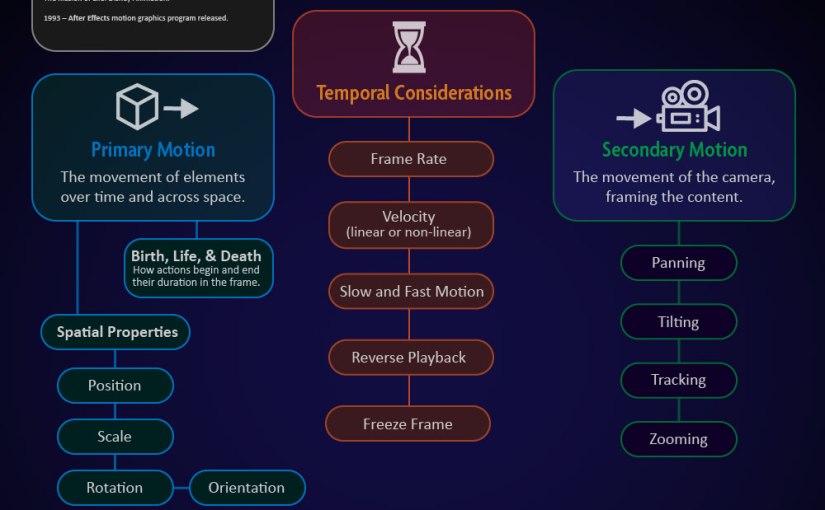
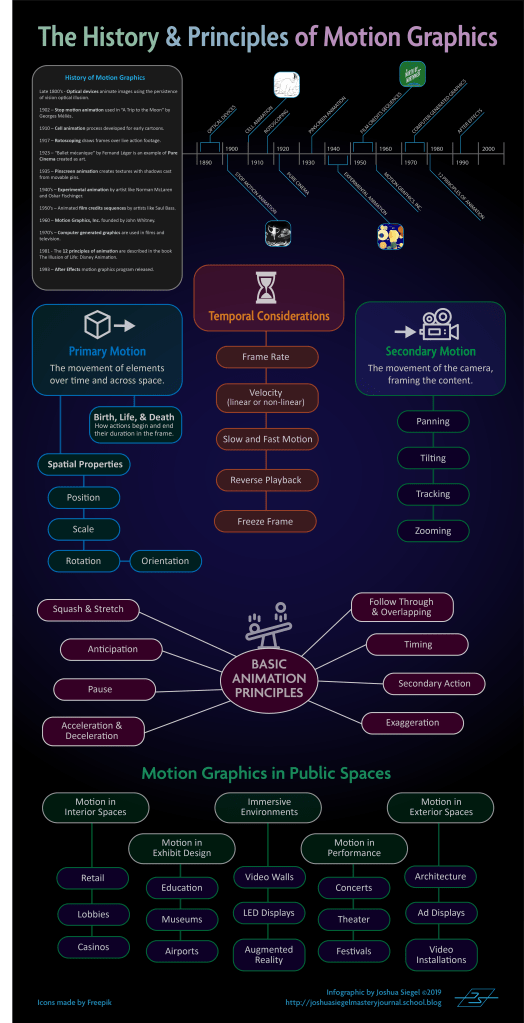
Motion Infographics elevate data visualization in four ways:
- Movement attracts the viewer’s eye.
- Animation engages the audience.
- Sound and imagery communicate the intended message.
- Music and voiceovers connect with viewers on an emotional level.
(Occupational, Conceptual)
Infographic Sizes for online publication are typically 800 pixels wide and as long as necessary to tell the story. (Occupational, Technical)
Infographics are an effective visualization tool used to communicate a message to an intended audience. (Occupational, Conceptual)
References:
Crooks, R., Ritchie, J., & Lankow, J. (2012). Infographics: The Power of Visual Storytelling. John Wiley & Sons.
Durcevic, S. (2018, October 8). 10 Essential Data Visualization Techniques, Concepts & Methods To Improve Your Business – Fast. https://www.datapine.com/blog/data-visualization-techniques-concepts-and-methods/





 Joshua Siegel's Mastery Journal