The final assignment for the Mastery: Personal Development and Leadership course at Full Sail University is a visual presentation of our Mastery Journey Timeline.
This was the first presentation I’ve created with Keynote. It’s a pretty simple program to use and not much different from PowerPoint.
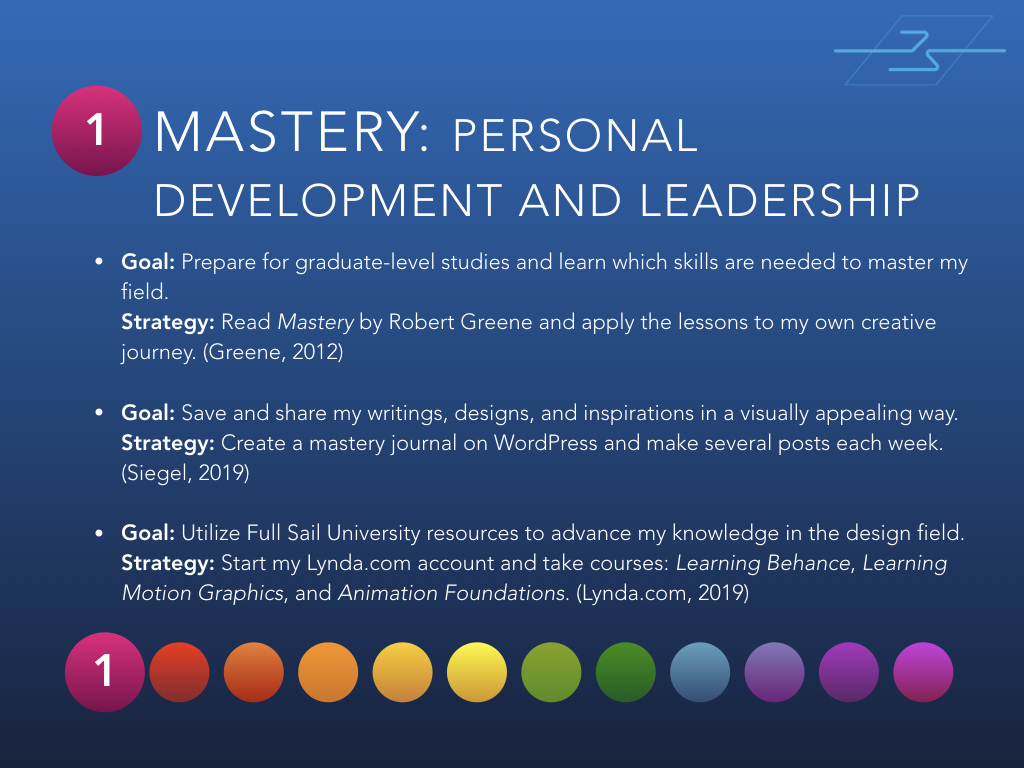
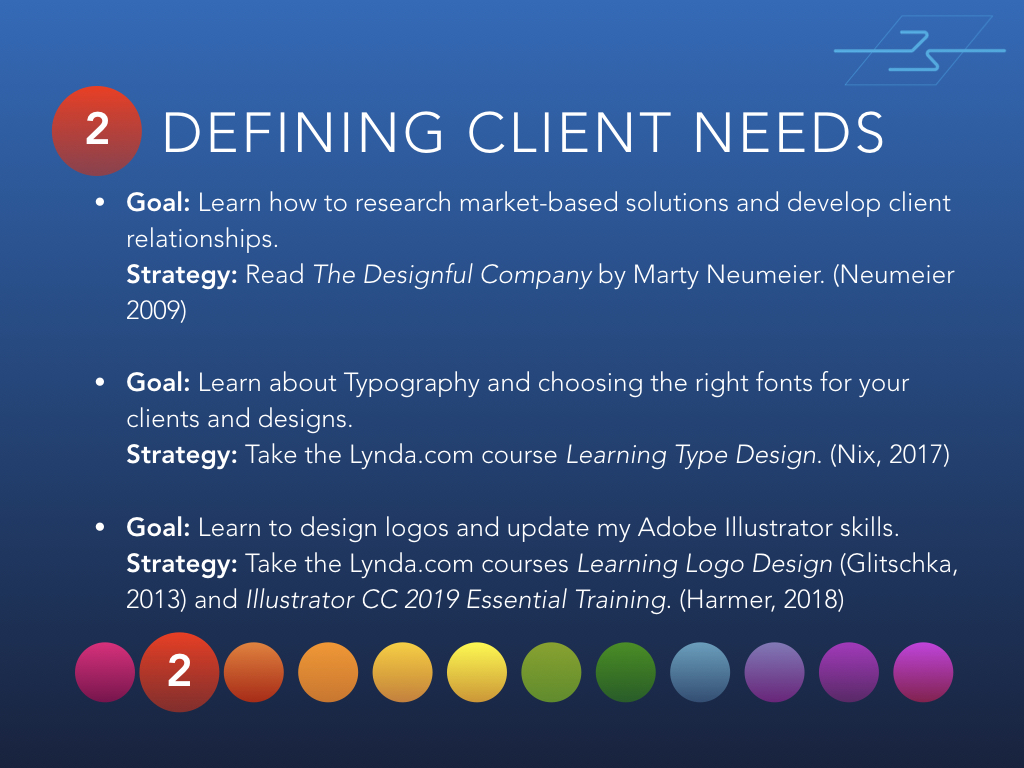
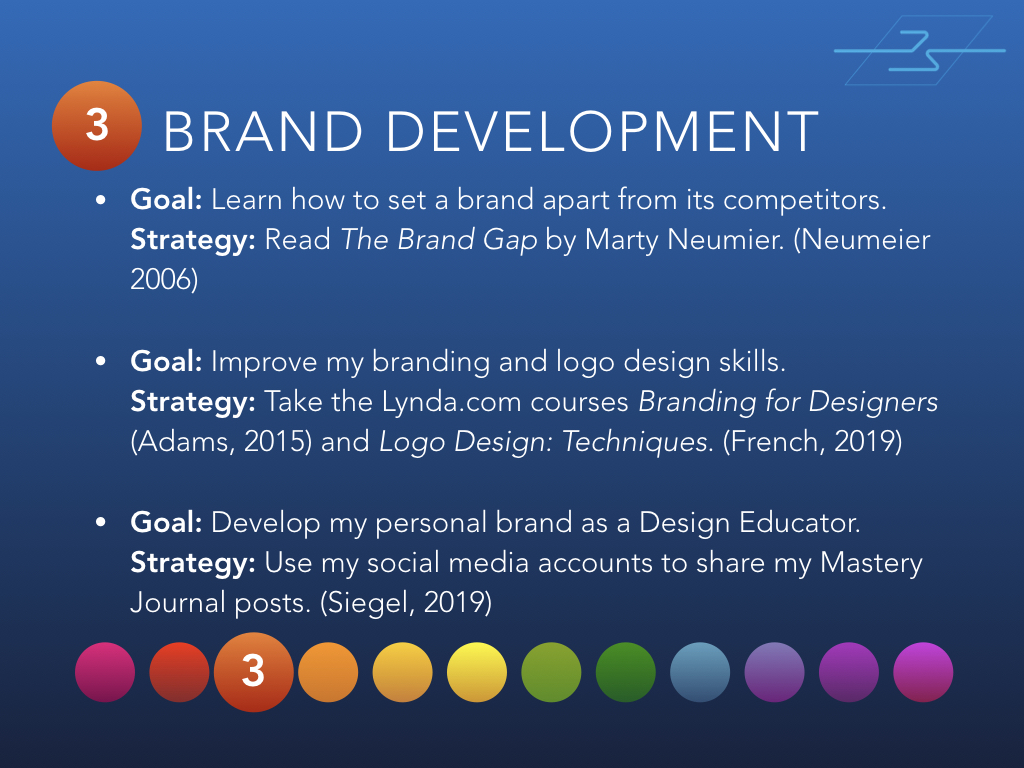
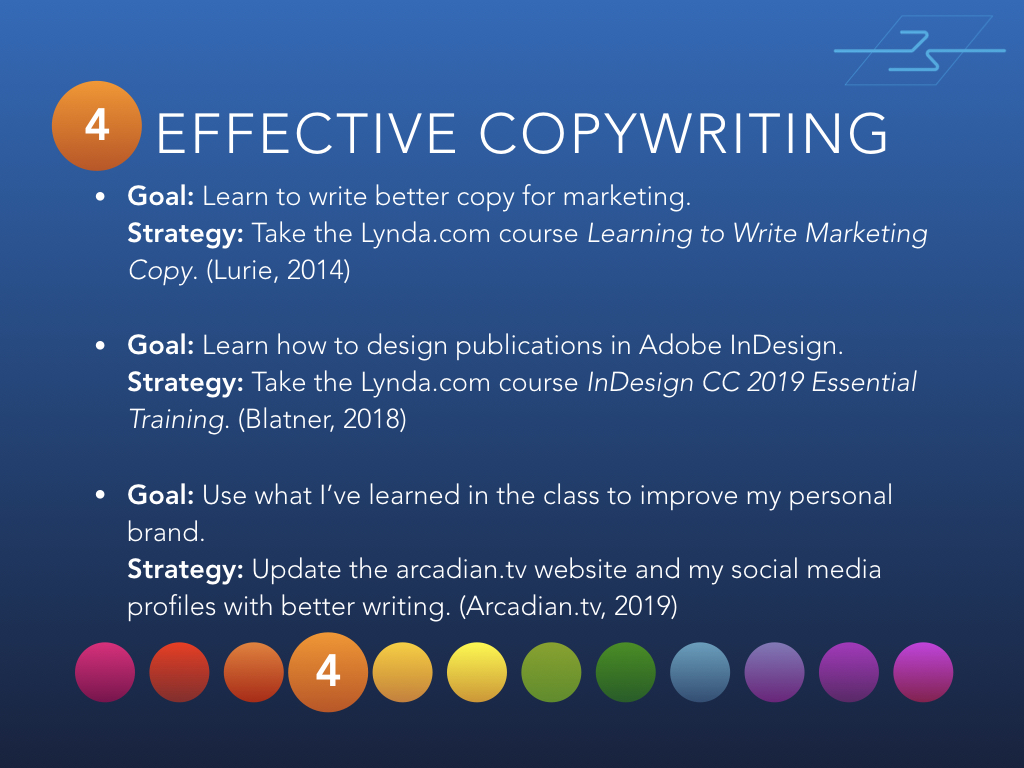
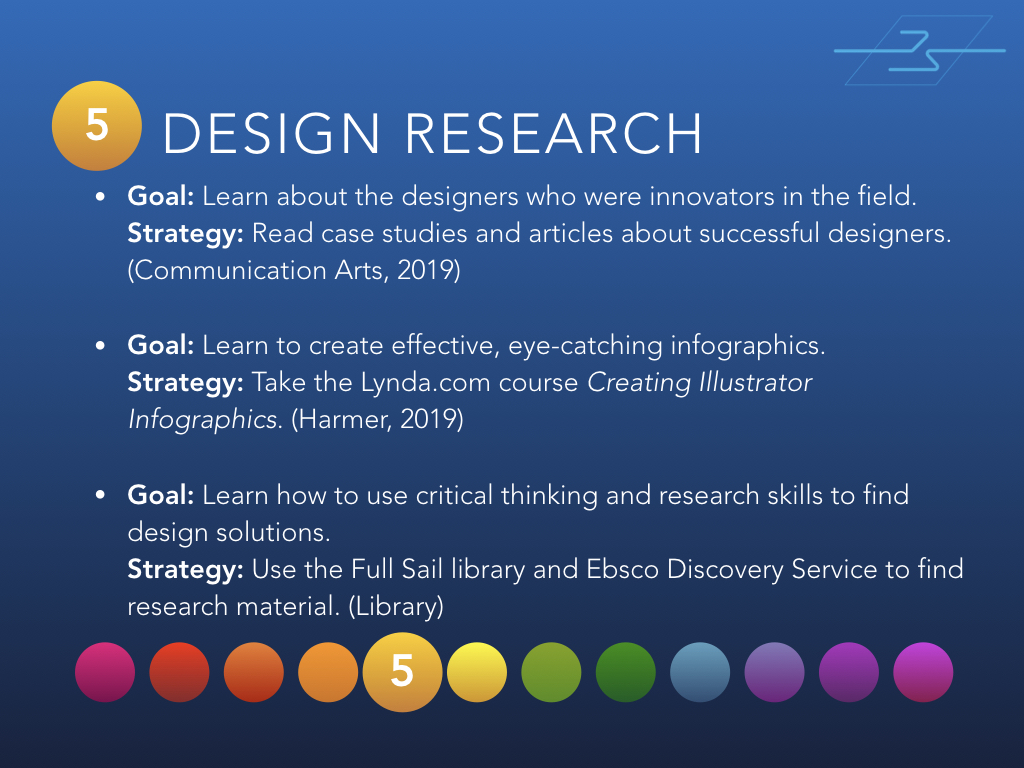
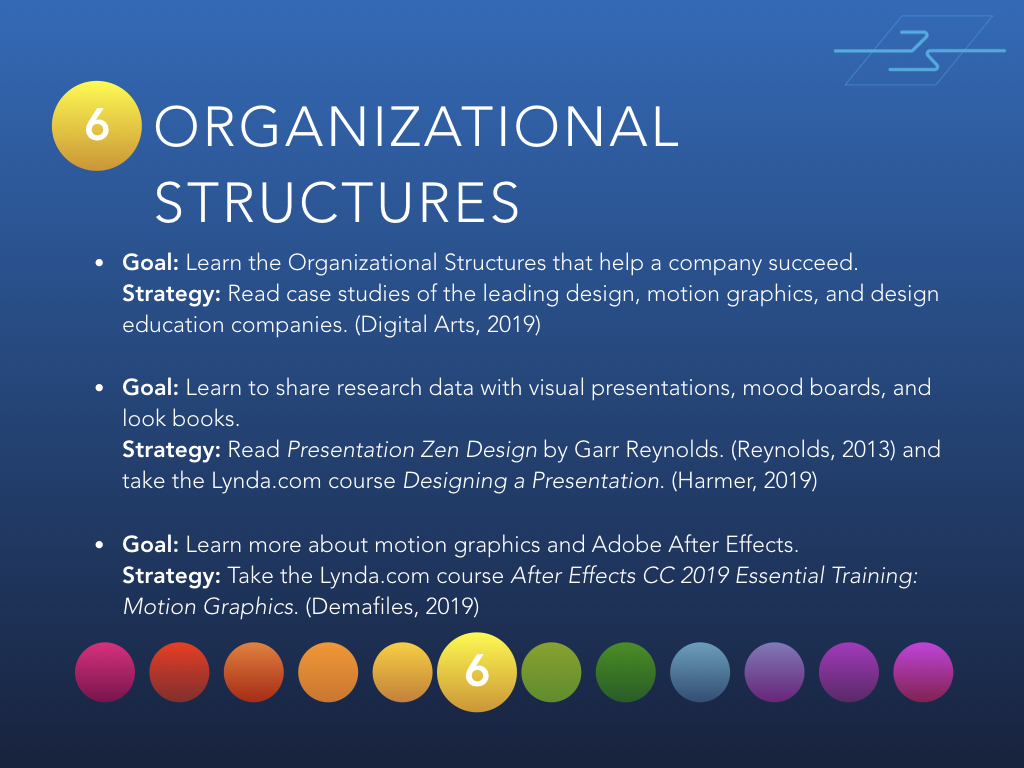
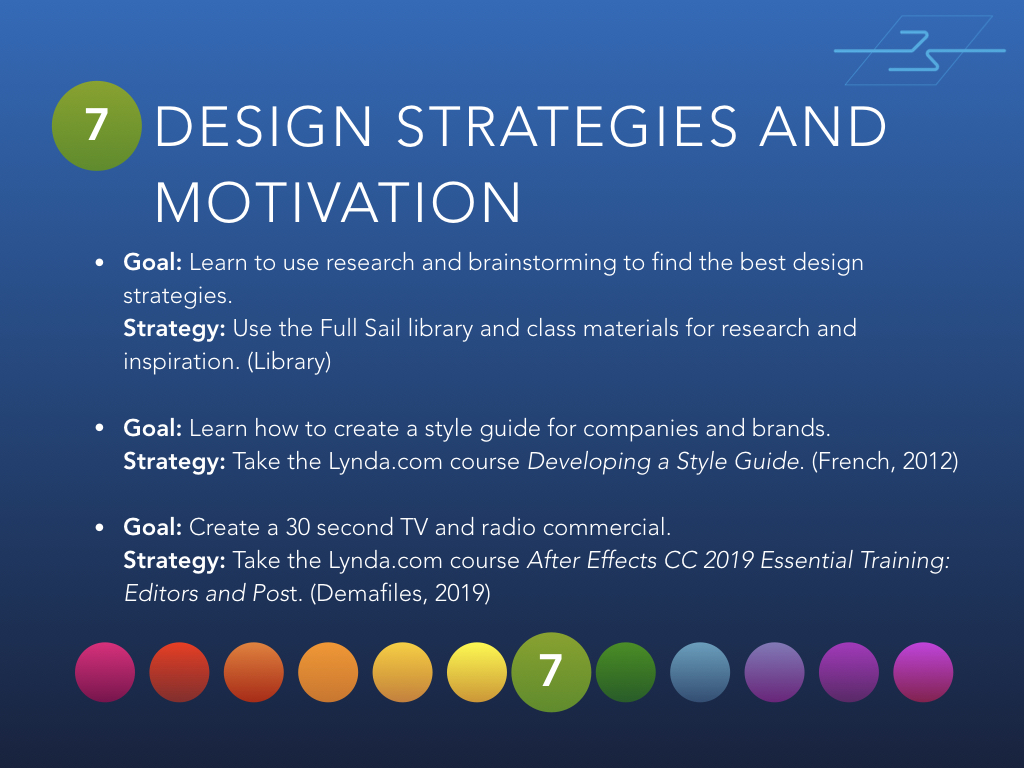
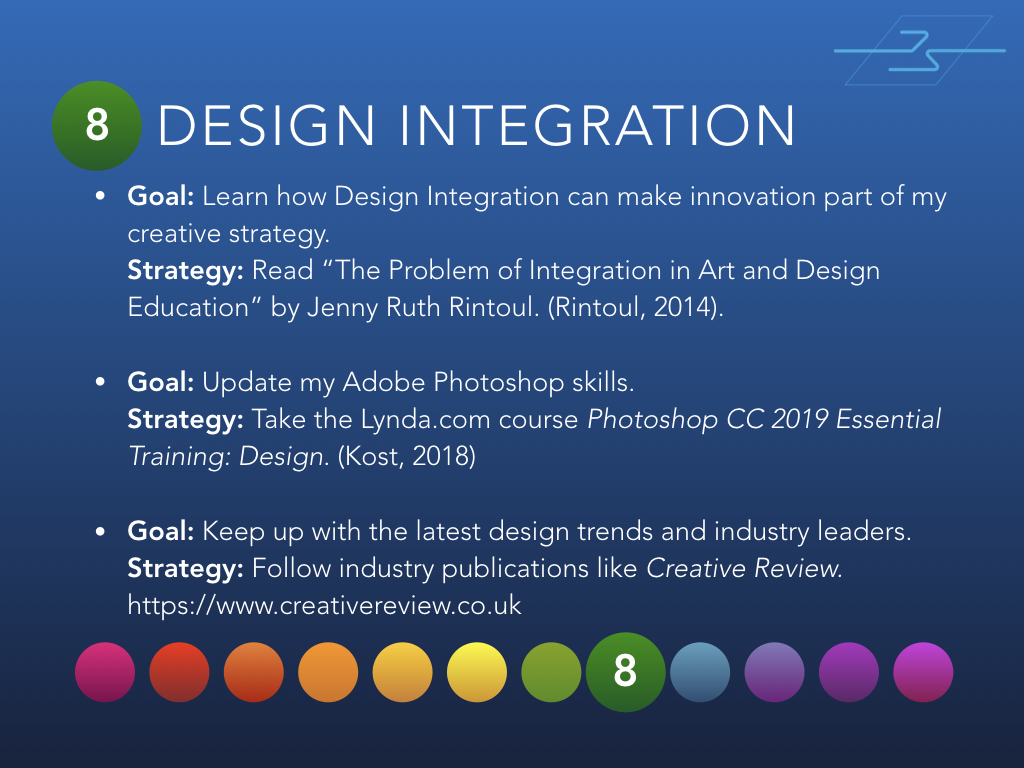
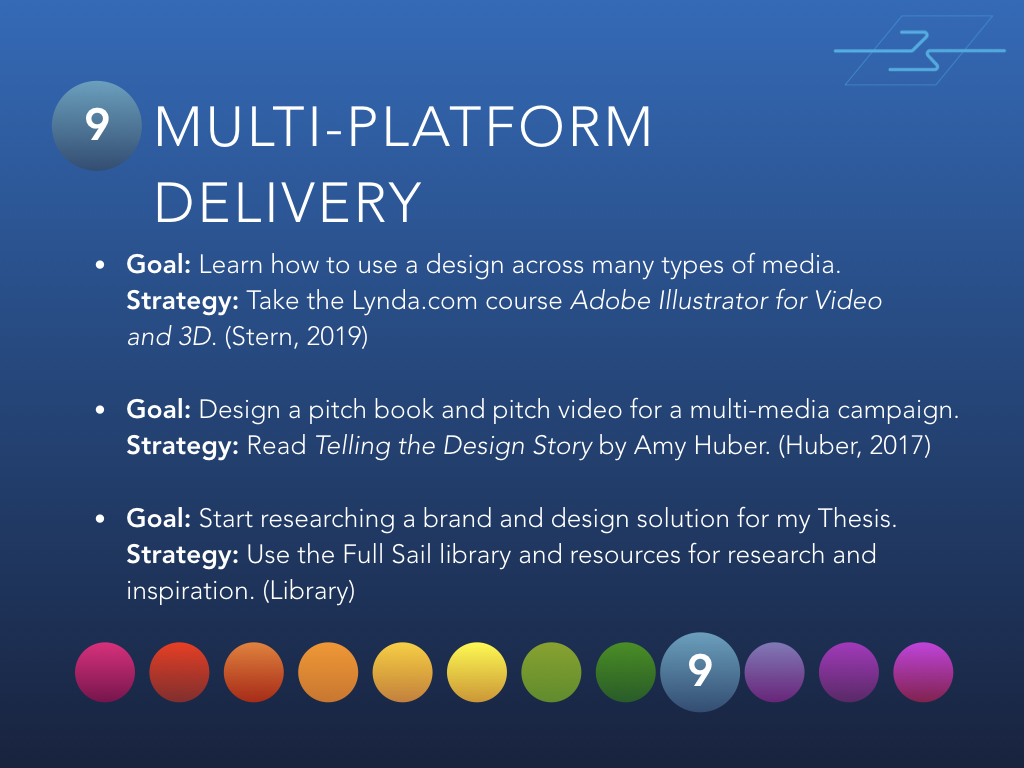
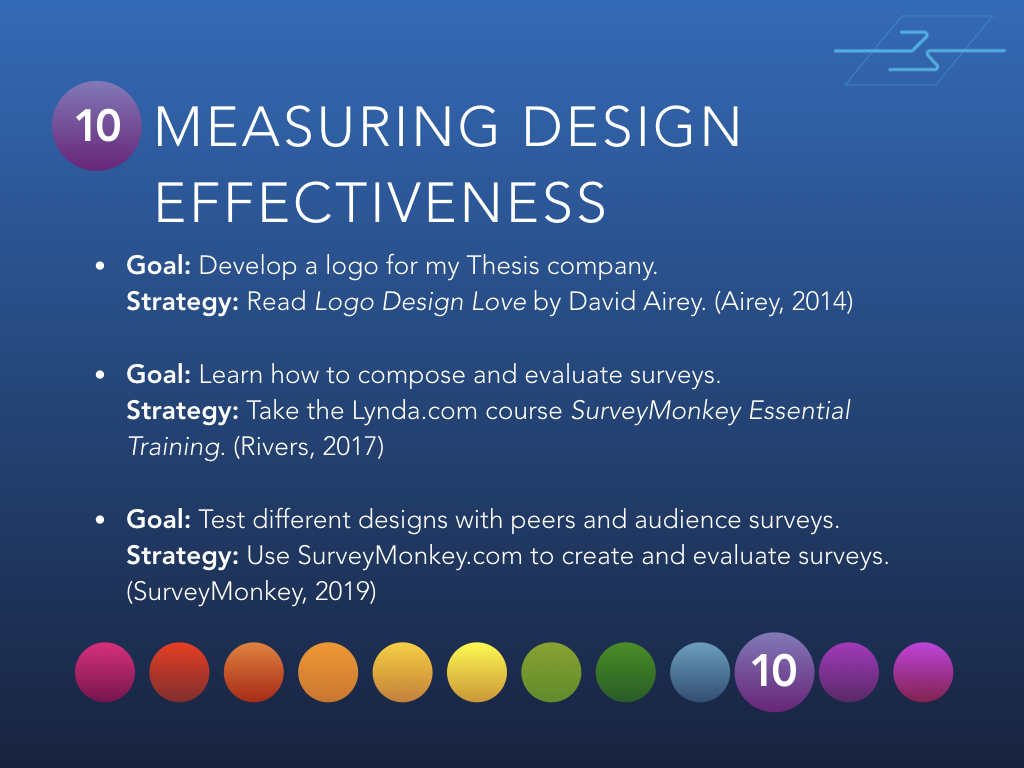
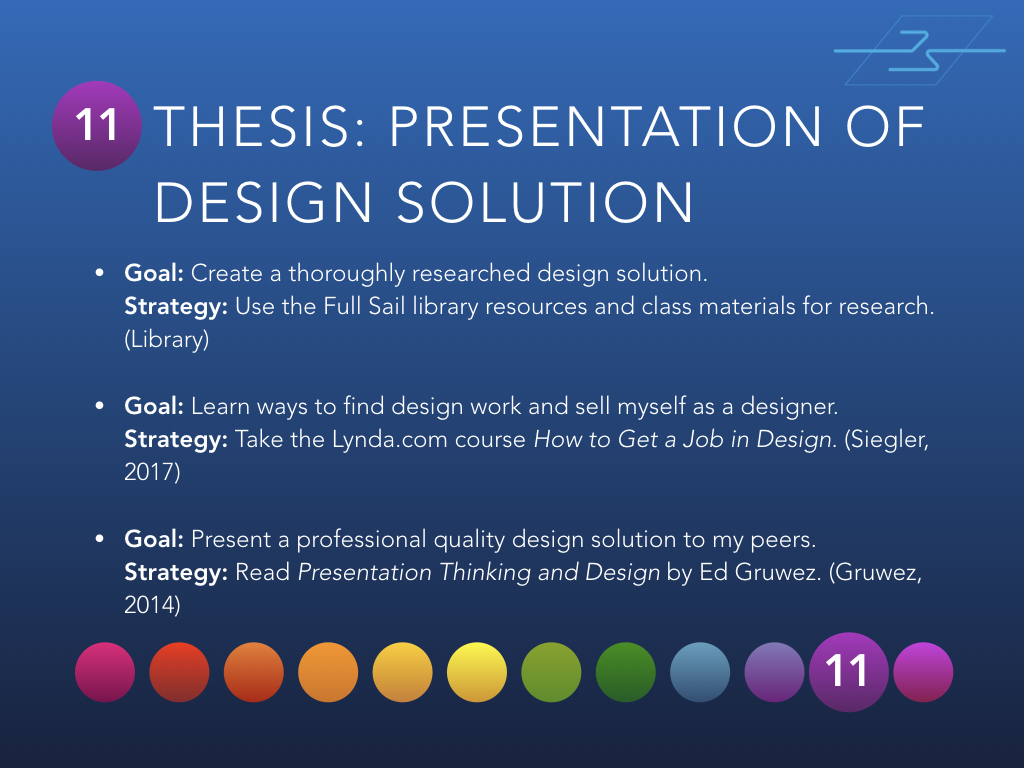
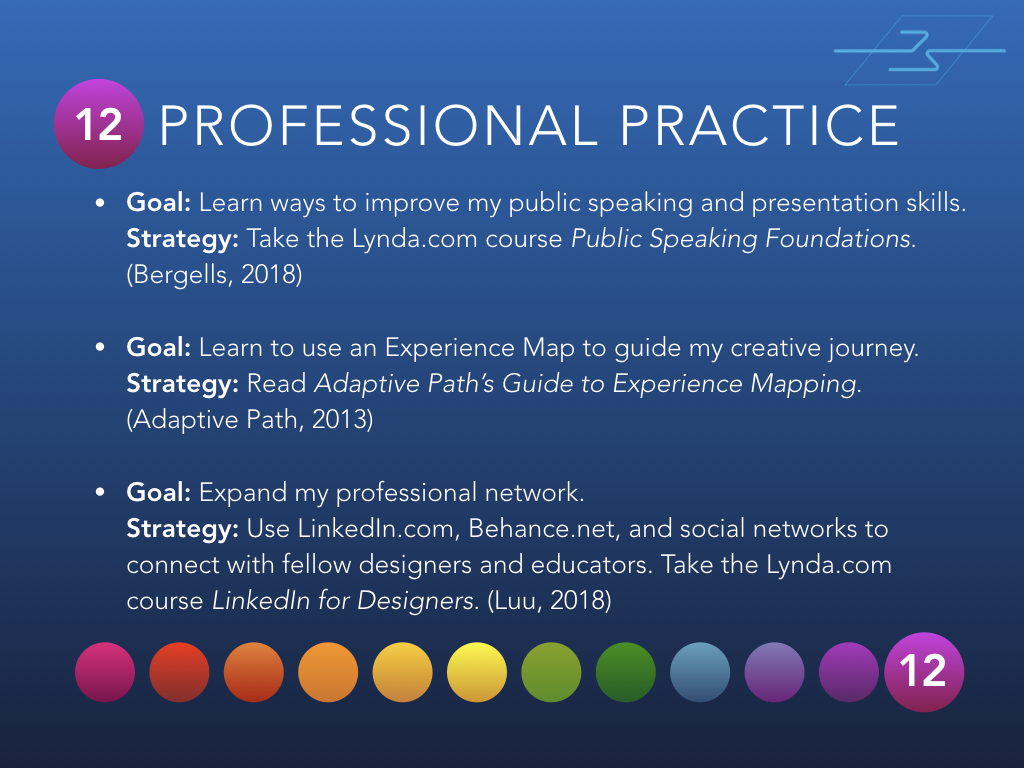
Below are 12 slides from the presentation, one for each month of classes at Full Sail University.
Month 1 – Mastery: Personal Development and LeadershipMonth 2 – Defining Client NeedsMonth 3 – Brand DevelopmentMonth 4 – Effective CopywritingMonth 5 – Design ResearchMonth 6 – Organizational StructuresMonth 7 – Design Strategies and MotivationMonth 8 – Design IntegrationMonth 9 – Multi-Platform DeliveryMonth 10 – Measuring Design EffectivenessMonth 11 – Thesis: Presentation of Design SolutionMonth 12 – Professional Practice
If you’d like to view the entire presentation, you can find it on SlideShare.
Have you done something like this? Have questions or comments? I’d love to hear from you!
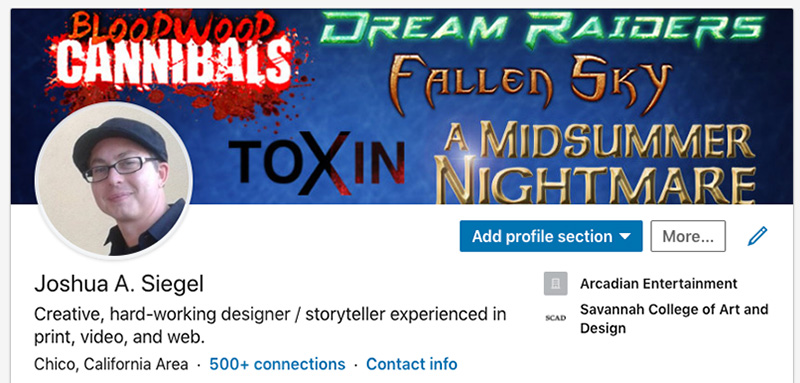
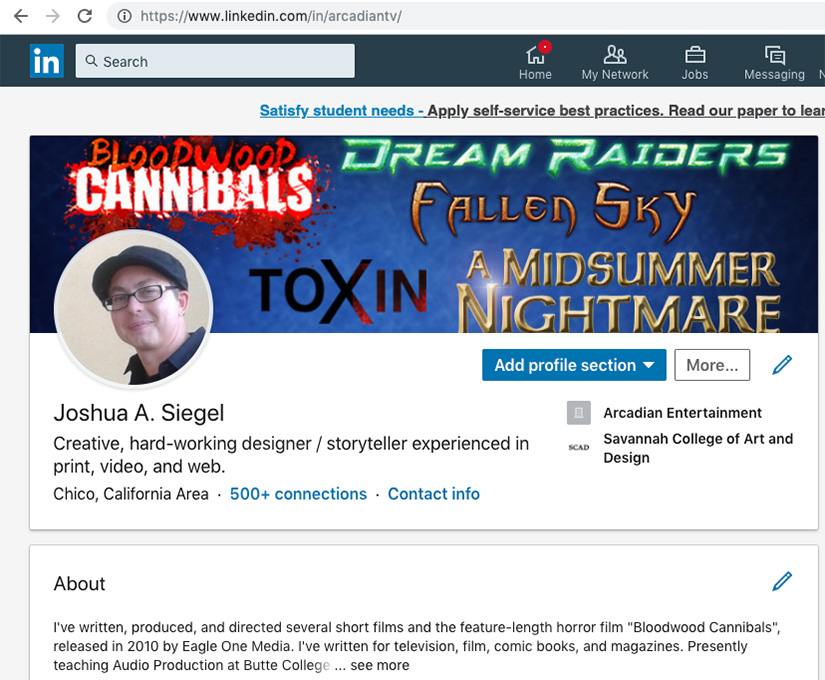
The second step to develop a Personal Learning Network (PLN) is to establish or update your LinkedIn account. I’ve had an account for many years, but I also hadn’t updated it since the fire.
My LinkedIn profile is now more in line with my Mastery path of Motion Design and Education.
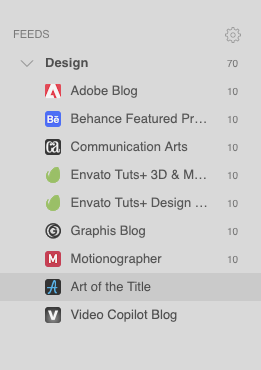
This post is the first related to my Personal Learning Network. A PLN is a culmination of resources and connections that expands your network both personally and professionally. In week 3 of the Mastery: Personal Development and Leadership course from Full Sail University, we are starting our PLN with a Feedly account.
The screencap above show the first few blogs that I added to a “Design” feed. Feedly makes it easy to get updates on websites and blogs I already followed, as well as finding new sources of design info.
Over the summer break, I’m taking several courses from Adobe Education Exchange https://edex.adobe.com/
The first class is PODCASTING.
I’ve used Adobe Audition for many years along with Photoshop, Premiere, and After Effects. I currently teach Podcasting as part of my curriculum and plan to use the skills and resources from this workshop to improve the class and help my students start their own podcasts.
Even though I don’t have the best gear since losing everything in the Camp Fire, this workshop should help me show students that you don’t need high-end microphones and a recording studio to produce a podcast.
My Introduction assignment was recorded on my phone, edited in Audition, and uploaded to SoundCloud.
Podcast Workshop Intro Mixdown
Thoughts on the Introduction assignment.
The audio quality of the WAV file I recorded on my Android phone was better than I expected. There was some drop-off in the higher frequencies and some background noise.
I used the Noise Reduction (process) filter and Dynamic Processing to set a noise gate. This eliminated all unwanted background noise. Next I used the Parametric Equalizer filter to give a high frequency boost and attenuate some of the muddiness in the 175-250Hz range.
The background music is comprised of two loops from the Adobe Loopology collection.
Having used Audition for several years, this assignment was a pretty basic exercise but it was good practice for recording and cleaning up a voiceover track.
Thoughts on the second workshop assignment.
For this assignment I created a fictional podcast called “All Things Nerdy” about geek culture.
All Things Nerdy podcast intro on SoundCloud
All Things Nerdy podcast intro
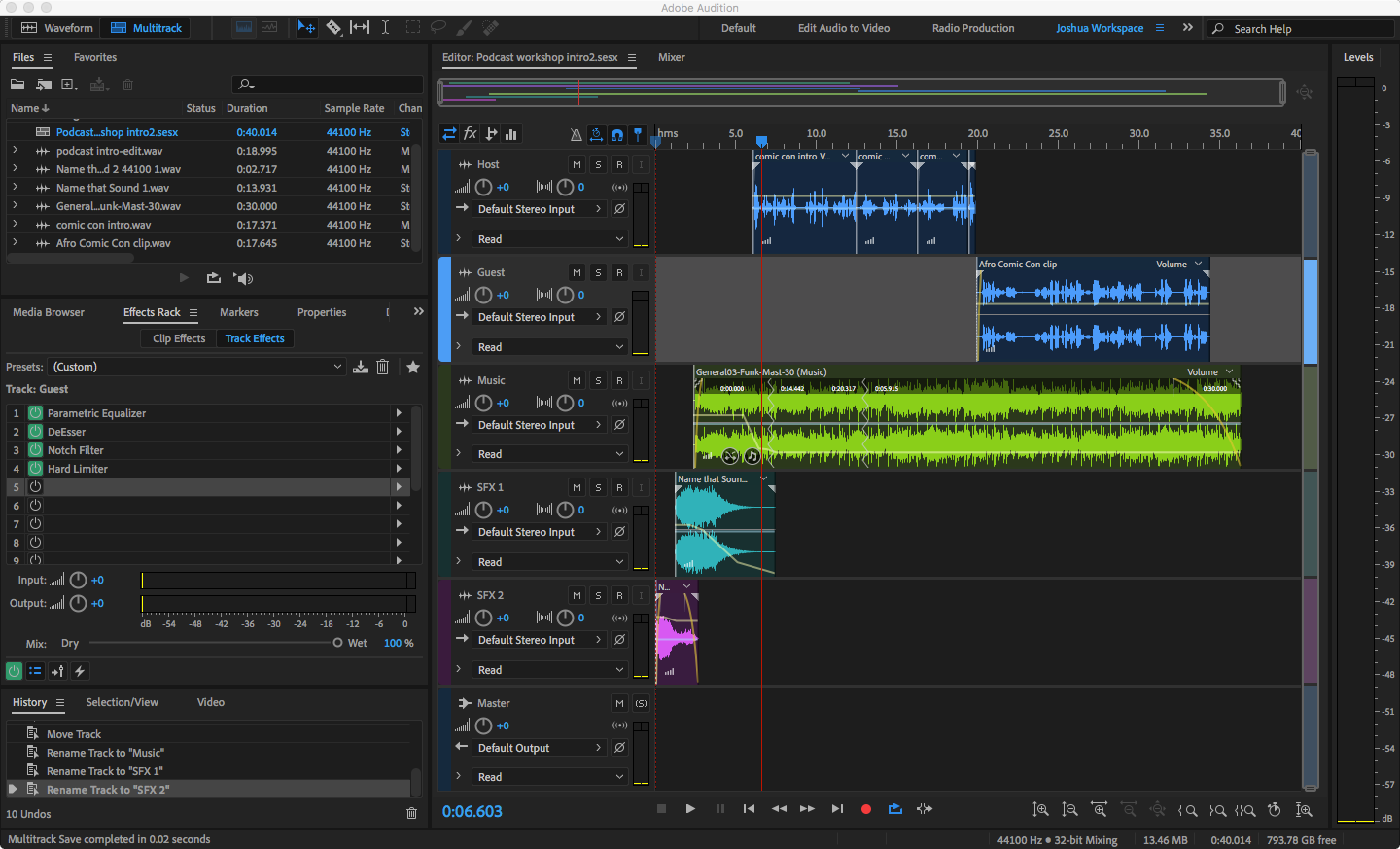
In the intro, I used lightsaber and Godzilla sounds (easily identified by true nerds) mixed with General03-Funk-Mast-30.wav from the Adobe Loopology collection. Setting the background music to -28dB worked well.
Adobe Audition podcast multitrack project
I recorded the host voiceover with my Android phone as a WAV in mono. The phone’s mic drops off most higher frequencies and has noticeable background noise. Fortunately, the first assignment helped me find a good workflow for improving audio recorded on my phone.
First I used the Noise Reduction (process) filter and Dynamic Processing to set a noise gate and eliminate the background noise. Next I used the Parametric Equalizer filter to give a high frequency boost and attenuate some of the muddiness in the 175-250Hz range.
For the guest voice track, I borrowed an MP3 from a friend’s podcast that I helped edit. I purposely chose an audio clip that was recorded over the phone with a less than ideal microphone, as many podcast interviews are recorded this way. Cleaning up the audio was a challenge when I first edited the podcast, and I wanted a chance to improve it more.
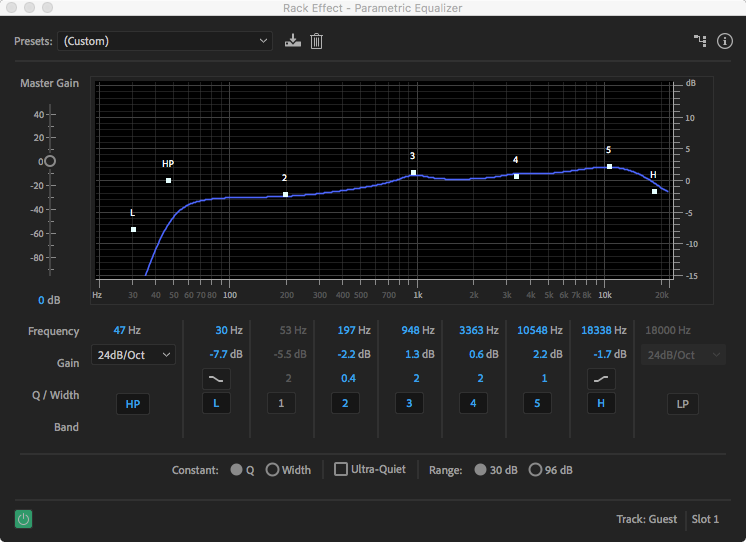
The DeEsser and Notch Filter fixed most of the troublesome sibilance in the clip. Next I used the Parametric Equalizer to give a high and mid frequency boost and create a High Pass (HP) filter to remove low frequencies not in the guest’s vocal range.
Parametric Equalizer settings
Finally, I like to put a Hard Limiter on the Master track to keep everything below -3dB.
Final Thoughts
This was my first course in Adobe Education Exchange. Overall, it was a fun and enlightening endeavor. I definitely learned a few things that I can pass along to my students. Next semester we’ll record a short podcast in class, making the lecture more hands-on.
 Joshua Siegel's Mastery Journal