The final assignment for the Mastery: Personal Development and Leadership course at Full Sail University is a visual presentation of our Mastery Journey Timeline.
This was the first presentation I’ve created with Keynote. It’s a pretty simple program to use and not much different from PowerPoint.
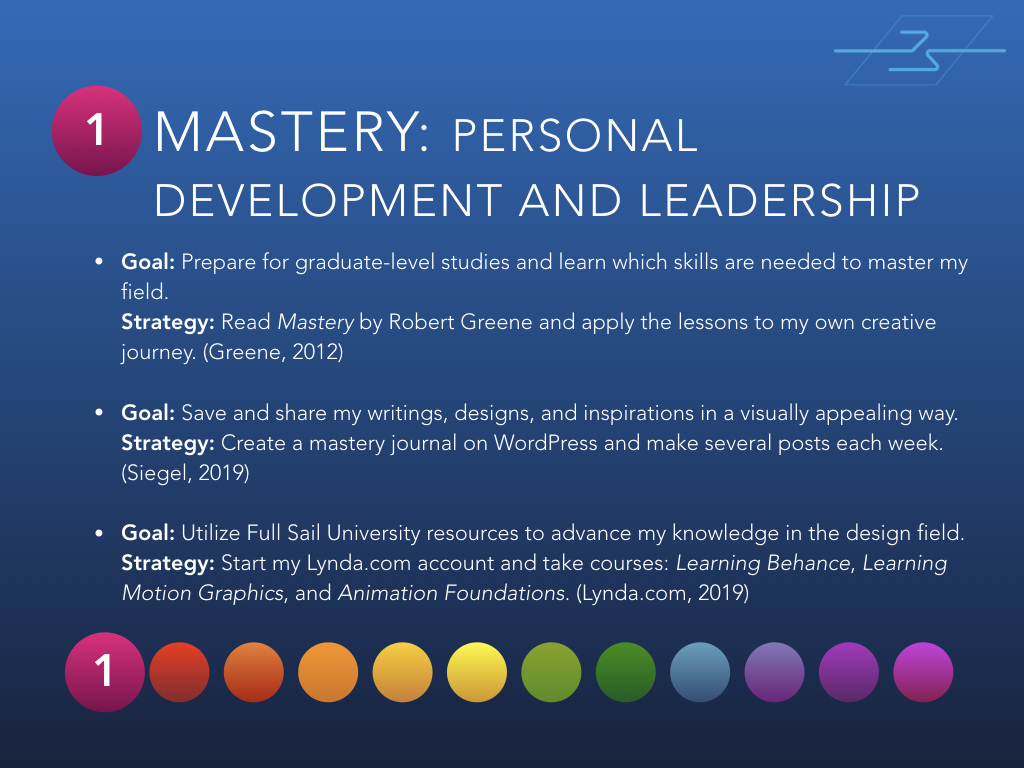
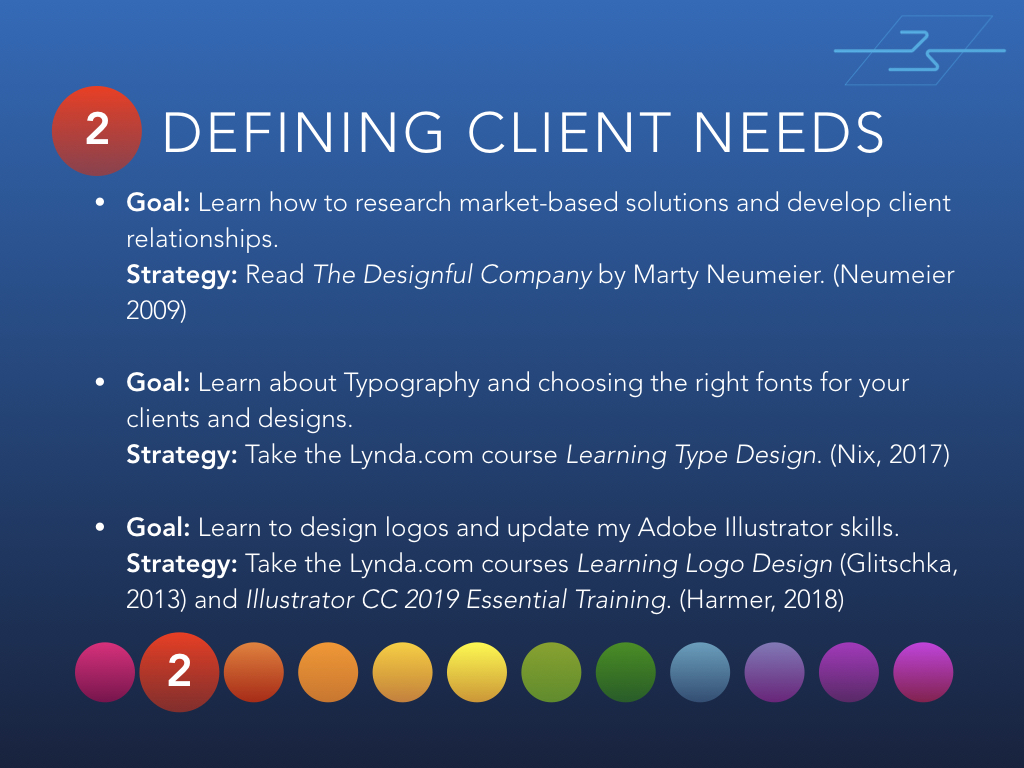
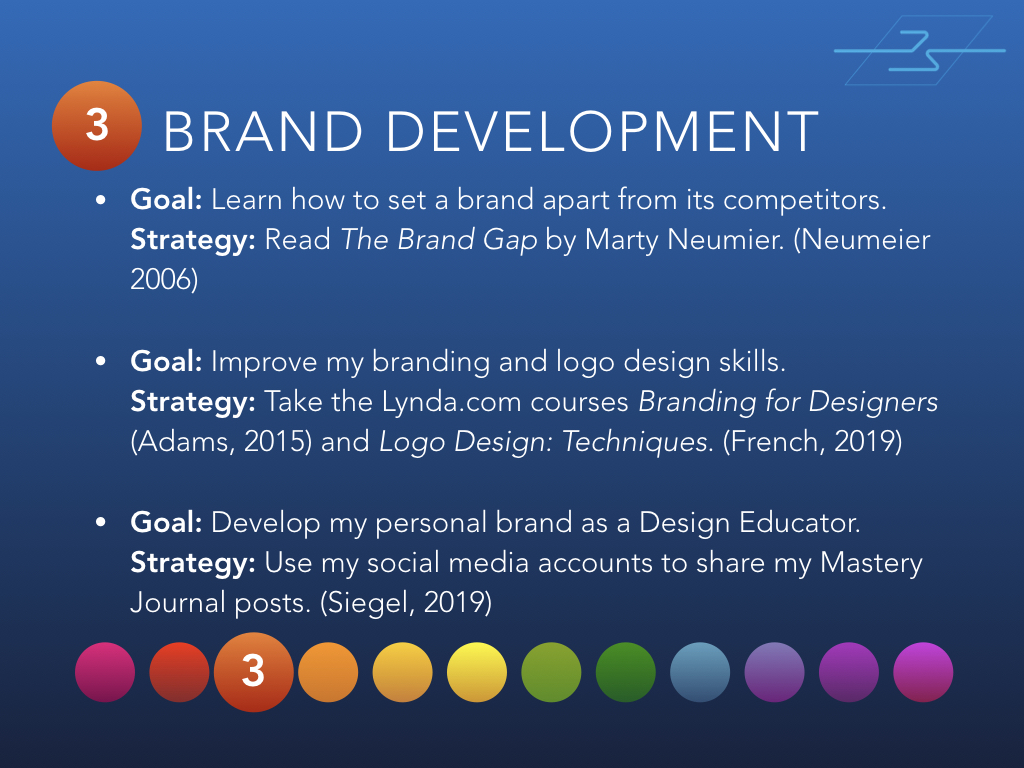
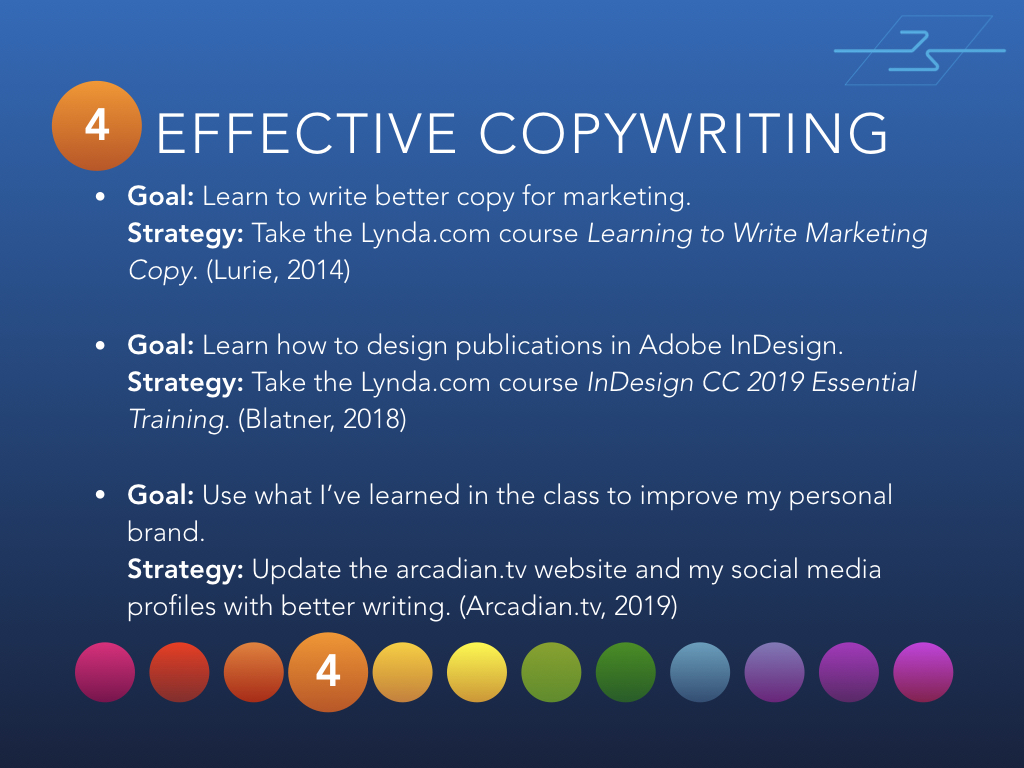
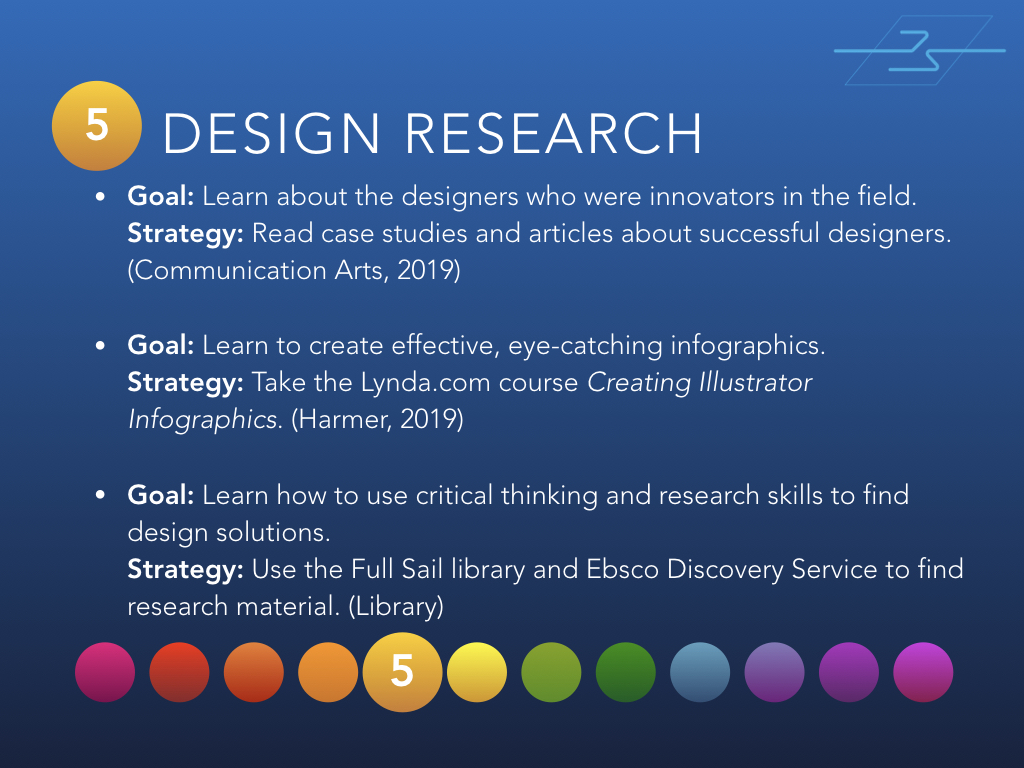
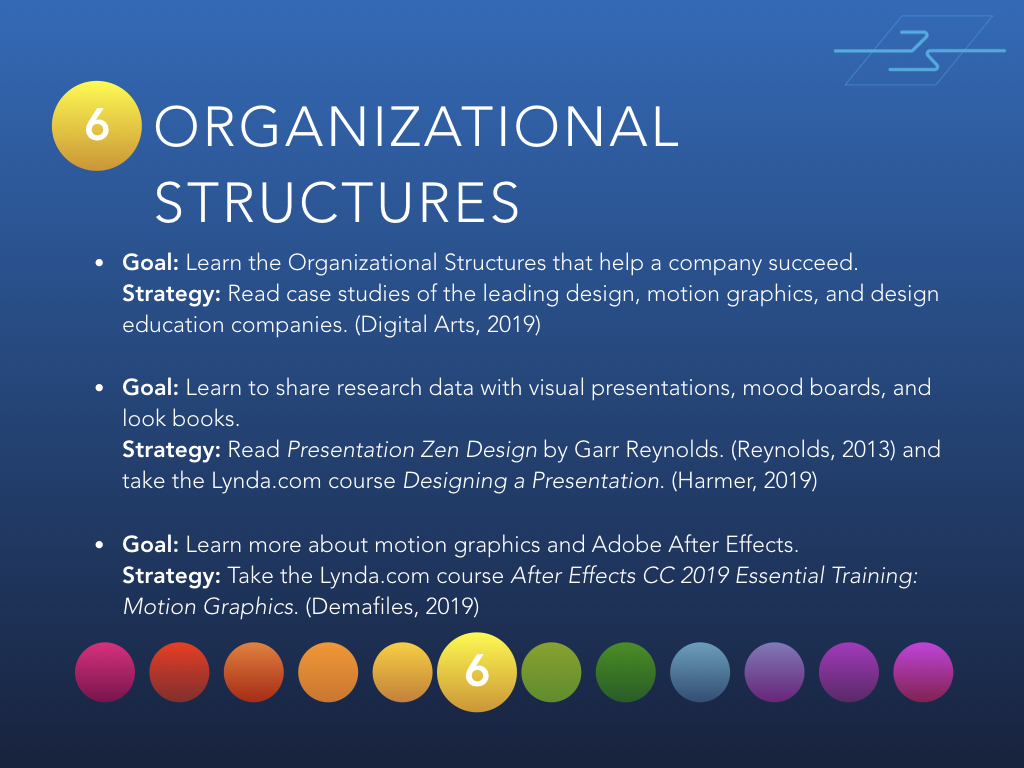
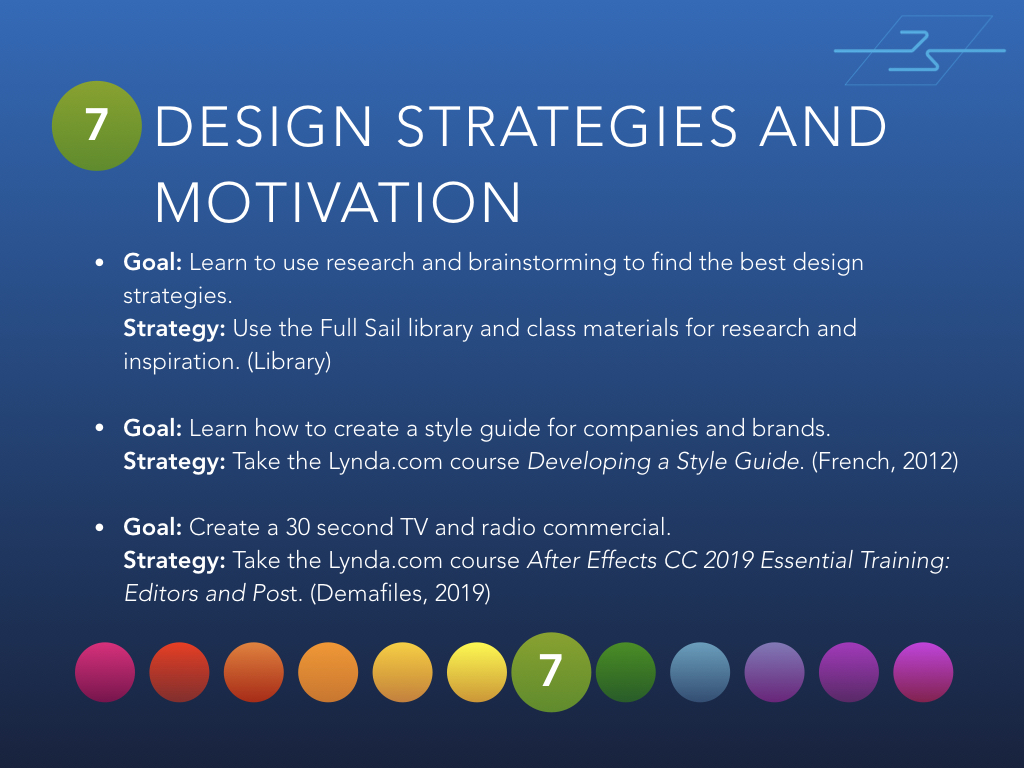
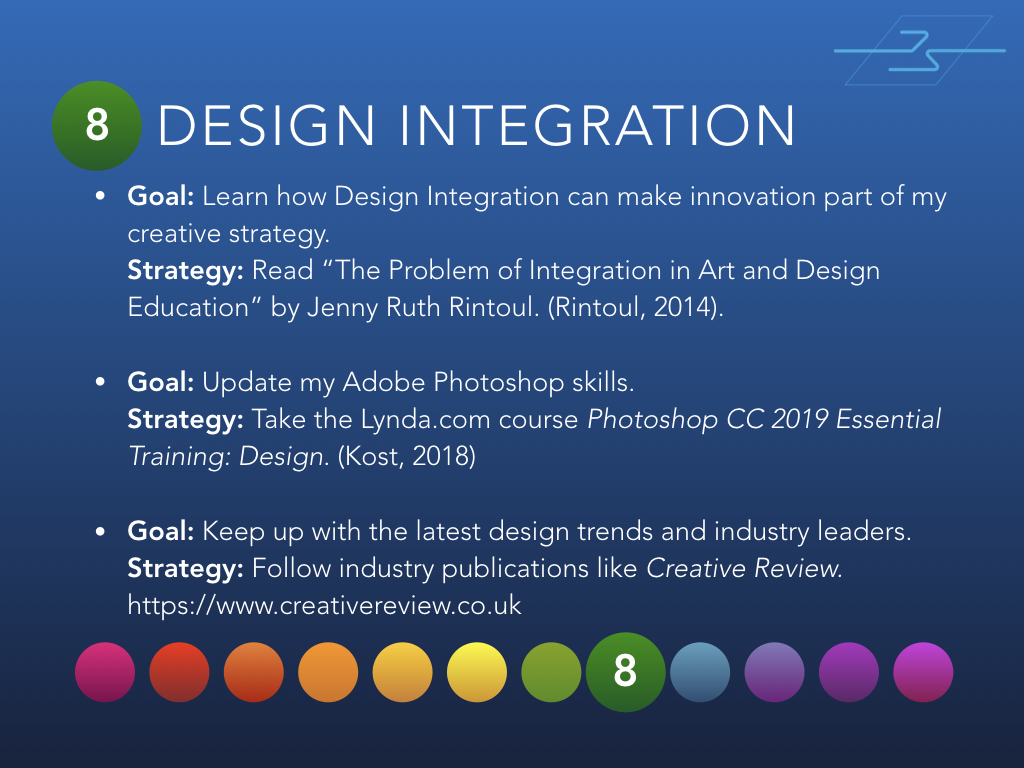
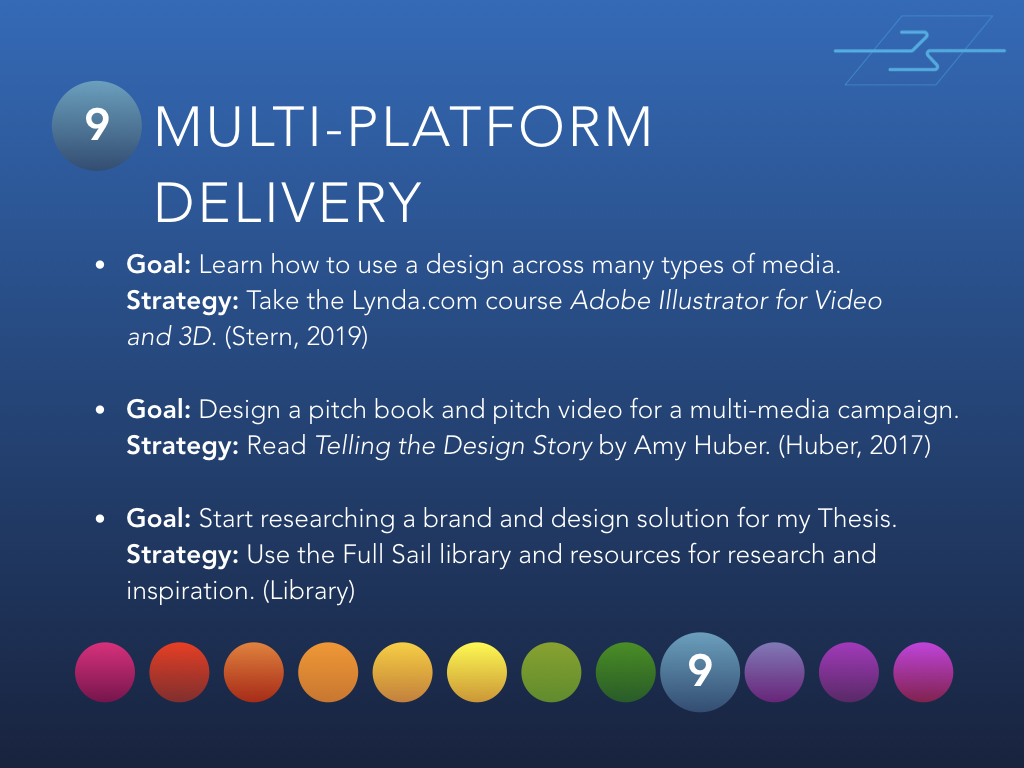
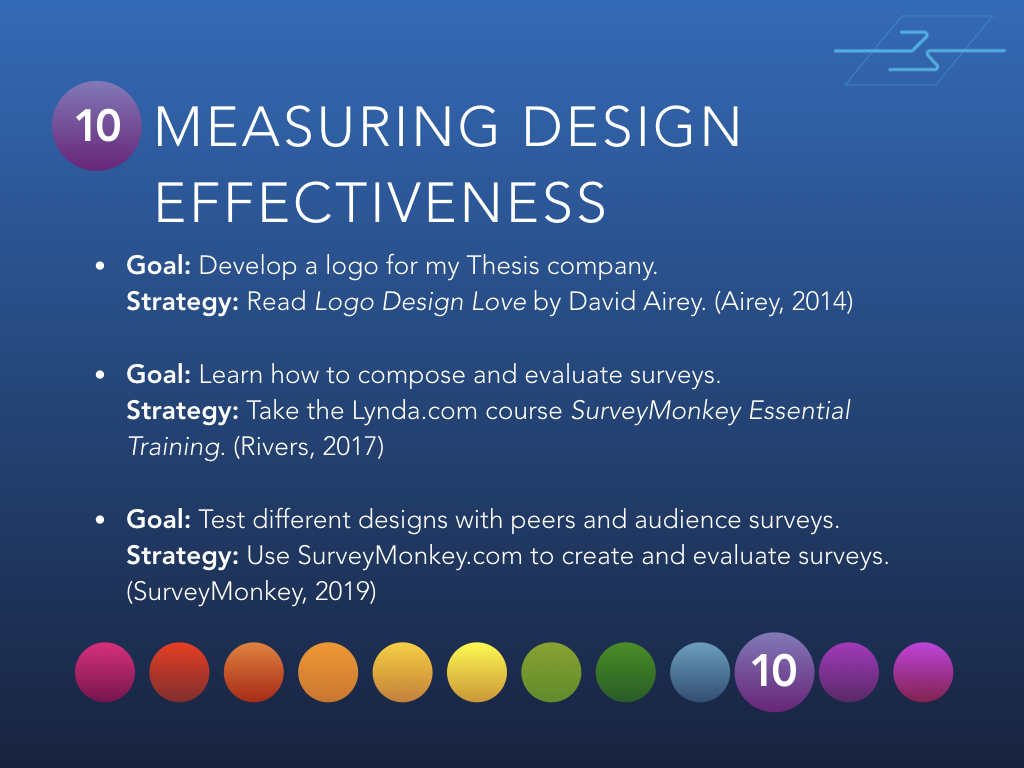
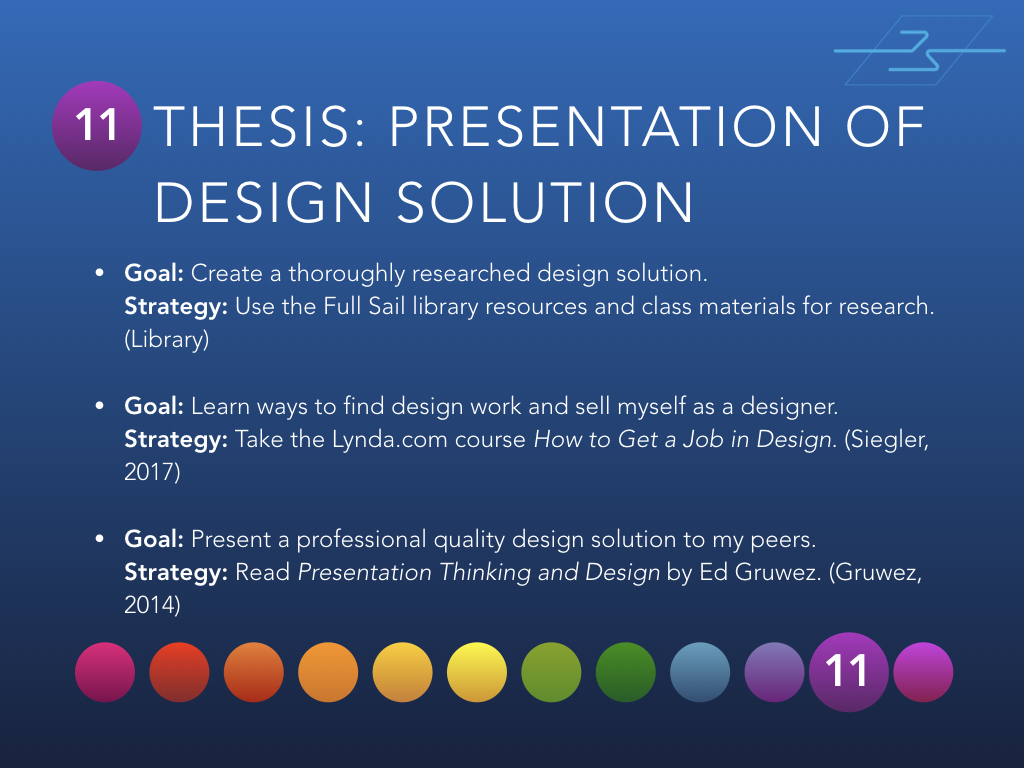
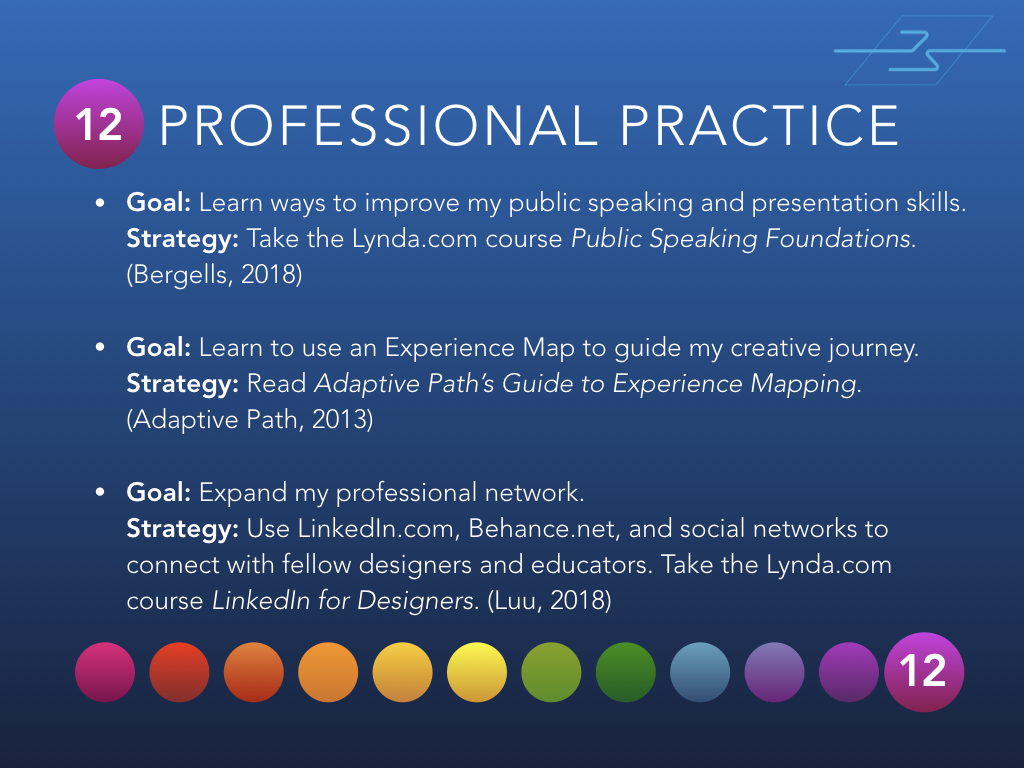
Below are 12 slides from the presentation, one for each month of classes at Full Sail University.
Month 1 – Mastery: Personal Development and LeadershipMonth 2 – Defining Client NeedsMonth 3 – Brand DevelopmentMonth 4 – Effective CopywritingMonth 5 – Design ResearchMonth 6 – Organizational StructuresMonth 7 – Design Strategies and MotivationMonth 8 – Design IntegrationMonth 9 – Multi-Platform DeliveryMonth 10 – Measuring Design EffectivenessMonth 11 – Thesis: Presentation of Design SolutionMonth 12 – Professional Practice
If you’d like to view the entire presentation, you can find it on SlideShare.
Have you done something like this? Have questions or comments? I’d love to hear from you!
I’ve been making the most out of my Lynda.com subscription, watching tutorial videos for at least an hour every day. One of the great “Weekly” courses is Motion Graphics Weekly. If you want to learn more about creating 3D graphics in After Effects and Cinema 4D, it’s worth checking out. https://www.lynda.com/After-Effects-tutorials/Motion-Graphics-Weekly/548716-2.html
The coolest thing I’ve discovered there is that a free
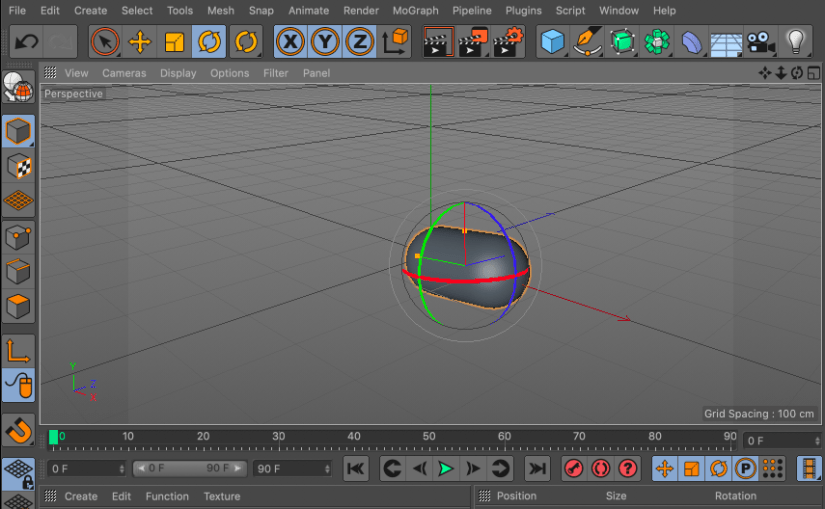
version of Cinema 4D is included with my Adobe Creative Cloud subscription. I
plan to learn more about creating 3D graphics over the next few months and
using Cinema 4D Lite will make the learning curve easier. It will also save some
money.
If you have a Lynda.com subscription, watch this video:
I recently started the personal project of developing my brand, a personal brand completely distinct from Arcadian Entertainment.
Freehand sketches
JS logo sketch 1
This is the JS initials I’ve used for years to sign my painting and artwork. I think it’s too simplistic for a brand logo, but it’s a good starting point.
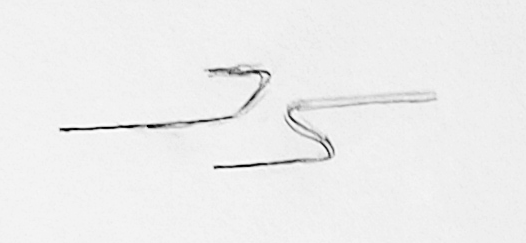
JS logo sketch 2
To modify the logo, I made the J into a single line and lined up the bottom line of the J with the top line of the S. Still too simple, but starting to look a little more dynamic.
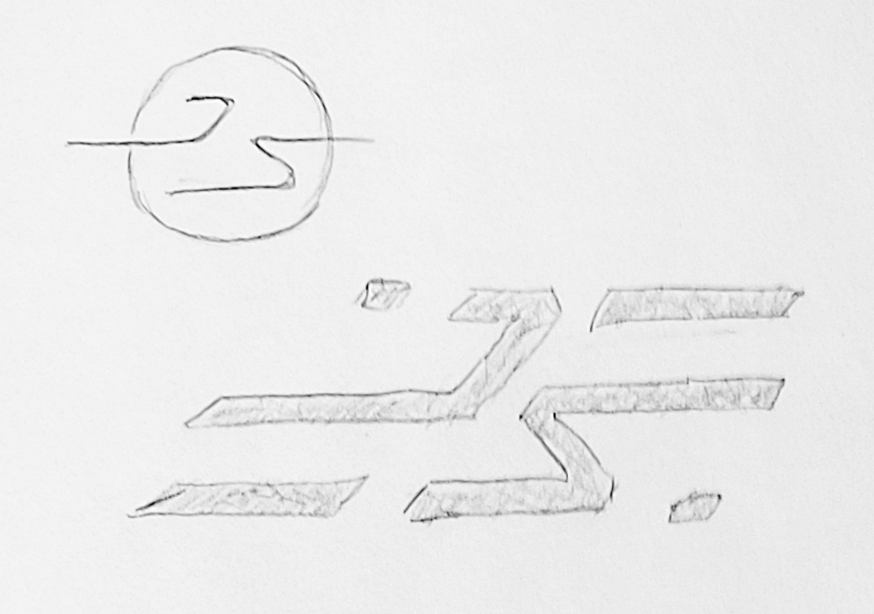
JS logo sketches 3
First I tried a circle around the logo to make it pop from the background. The next sketch made the letters thicker and added additional lines and dashes. Part of me liked this design, but I decided that it was just a little too abstract and busy.
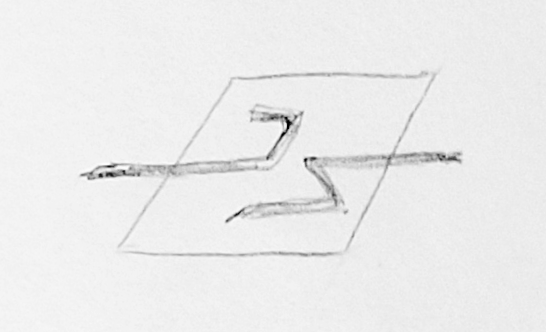
JS logo sketch 4
This last design uses a parallelogram behind the letters. Although the sketch is messy, I decided to move forward with this design.
Adobe Illustrator designs
The next step of my design process was to create basic line shapes in Adobe Illustrator
JS logo design 1
The design has energy, but needs more depth and precision.
JS logo design 2
The second version feels good to me. I changed the line weights, refined the angles, and made the letters a bit smoother with curved corners and rounded ends. I feel like it’s a clean design, but maybe it could be pushed further.
Feedback and critiques are welcome. Just leave a comment below!
This post is the first related to my Personal Learning Network. A PLN is a culmination of resources and connections that expands your network both personally and professionally. In week 3 of the Mastery: Personal Development and Leadership course from Full Sail University, we are starting our PLN with a Feedly account.
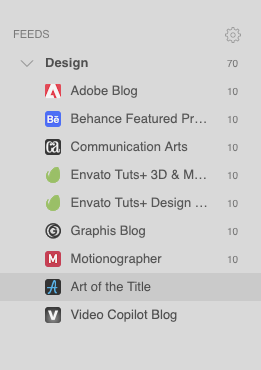
The screencap above show the first few blogs that I added to a “Design” feed. Feedly makes it easy to get updates on websites and blogs I already followed, as well as finding new sources of design info.





 Joshua Siegel's Mastery Journal