
I’ve been making the most out of my Lynda.com subscription, watching tutorial videos for at least an hour every day. One of the great “Weekly” courses is Motion Graphics Weekly. If you want to learn more about creating 3D graphics in After Effects and Cinema 4D, it’s worth checking out.
https://www.lynda.com/After-Effects-tutorials/Motion-Graphics-Weekly/548716-2.html
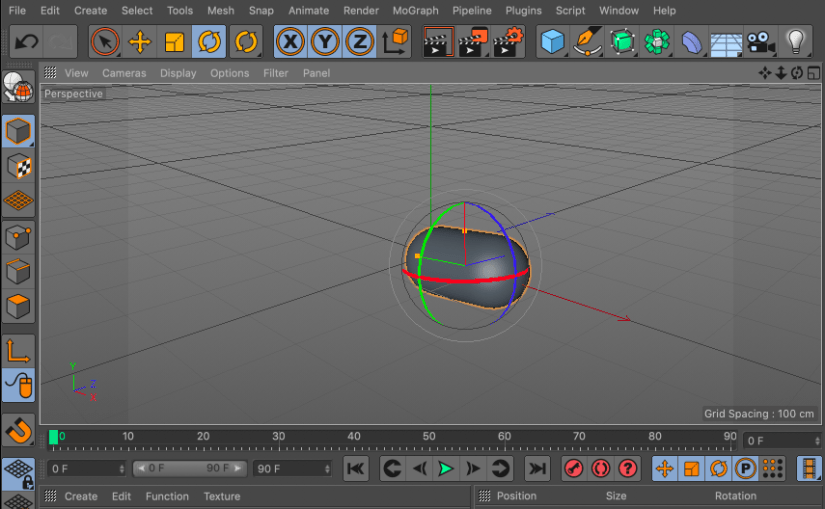
The coolest thing I’ve discovered there is that a free version of Cinema 4D is included with my Adobe Creative Cloud subscription. I plan to learn more about creating 3D graphics over the next few months and using Cinema 4D Lite will make the learning curve easier. It will also save some money.
If you have a Lynda.com subscription, watch this video:
If not, here are the basic steps to find and open Cinema 4D Lite.
- Open After Effects
- File > New > Maxon Cinema 4D File
- Name the file and click OK
- Cinema 4D Lite will launch
It’s that easy. Time to play!
 Joshua Siegel's Mastery Journal