Blog Feed

Defining Client Needs – Week 2 Reflection

In the Week 2 Live Session video for Defining Client Needs, Ryan McClung discusses the role of the Media Designer, their relationship with clients and stakeholders, and the importance of research in the design process. He states that the Media Designer is responsible for planning and developing information material that effectively communicates a message across the many types of media available today. (McClung, 2019)

The Media Designer must make their ideas palatable and comprehensible to not only the client, but to all external and internal stakeholders. It is important to understand the needs, problems, and objectives of each of these stakeholders. This can be achieved by researching the client, their competitors, and the issues that need to be solved.

Thorough research provides insight, direction, and value. It assures the client that the designer’s services are worth the investment and helps identify unacknowledged issues. Research provides validation of the designer’s ideas and helps sell those ideas. McClung states that 80% of design is selling your ideas and your worth as a designer. (McClung, 2019)

Mind Mapping is one important research tool that helps the designer generate and connect ideas. Mind maps help the designer narrow options and find strong directions to pursue. McClung notes that having infinite options gives zero solutions (McClung, 2019), so it is important to define and focus on solutions that will best address the issue that needs to be solved. David Airey notes that Mind Mapping is an important step before concept sketching and further development of the design solution. (Airey, 2014)

References:

Airey, D. (2014, August 20). Logo Design Love, Annotated and Expanded Edition, Second Edition. Retrieved from https://ce.safaribooksonline.com/book/branding/9780133812589

McClung, R. (2019). Week 2 Live Session. Retrieved August 13, 2019, from https://online.fullsail.edu/class_sections/46722/modules/173179/activities/1087780

Inspirational Quote

“Do the one thing you think you cannot do. Fail at it. Try again. Do better the second time. The only people who never tumble are those who never mount the high wire. This is your moment. Own it.”
Oprah Winfrey

I’m pretty experienced with failure. We all are. Failure is part of life, and part of the creative process. Fear of failure and disappointing people is a psychological hurdle that I’m still overcoming. Still, I’ve come to accept that my failures as opportunities to learn and grow.

So don’t be afraid to make the leap. If you fall, get up and jump again.

References:
Oprah Winfrey quote found on BrainyQuote
Photo by Kid Circus on Unsplash

Defining Client Needs – Week 1 Reflection

Summary

In the Week 1 Live Meeting video for Defining Client Needs, professor Ryan McClung states that the Media Design MFA program is a lot like the Media Design industry. (McClung, 2019) Both are about solving problems and finding solutions. This requires strong research, critical thinking, time management, and communication skills. My research skills need improvement, but every assignment is practice.

The Design industry and this MFA program also both require critique of your work, by professionals and peers. (McClung, 2019) I look forward to this opportunity to improve my designs, as I have often operated in a bubble without much feedback from anyone but my client or boss. In the video What is Graphic Design, Sean Adams says that graphic design is about ideas. (Adams, 2017) Sharing ideas with peers can transform those ideas into design solutions.

In regard to Academic Writing, McClung states that opinions don’t matter. (McClung, 2019) I’m used to writing magazine articles, blogs, and lectures that are often based on personal experience and opinions. It’s an adjustment, but I appreciate how research-based writing forces me to dig deeper and find real knowledge to support my ideas.

Action Plan

By the end of the Media Design MFA program, I should show improvement in my research and writing skills in addition to wider knowledge of the methodologies of design. I will apply these skills to find more design clients and create better lessons for my students.

Juggling school, work, and family requires efficient time management. I’ve created the following weekly study schedule to keep me on track.

Monday

  • Read/watch materials for weekly assignments, prepare notes – 4 hours.
  • Read design or motion graphics book on Safari Books – 2 hours.

Tuesday

  • Write and submit discussion, research weekly assignment – 4 hours.
  • Watch design or motion graphics courses on Lynda.com – 2 hours.

Wednesday

  • Reply to discussion, work on weekly assignment – 4 hours.
  • Read design blogs on Feedly and browse Behance for inspiration – 2 hours.

Thursday

  • Work on weekly assignment – 4 hours.
  • Watch design or motion graphics courses on Lynda.com – 2 hours.

Friday

  • Try to finish weekly assignment – 4 hours.
  • Read design or motion graphics book on Safari Books – 2 hours.

Saturday

  • Edit and submit weekly assignment, write and submit blog. – 4 hours.
  • Watch design or motion graphics courses on Lynda.com – 2 hours.

I have reserved Sunday for family time, rest, and reflection. Even then, I try to keep a sketchbook handy. Every night before bed I spend a few minutes sketching out random ideas. This “twilight time” between consciousness and sleep is when some of my best concepts emerge in a raw form. All my old sketchbooks were destroyed in the 2018 fire, but my sketching habit is still a vital part of the design process as described by Sean Adams. (Adams, 2017)

References:

Adams, S. (2017, May 31). What is graphic design? Retrieved August 9, 2019, from https://www.lynda.com/Graphic-Design-tutorials/What-graphic-design/614734/625796-4.html?org=fullsail.edu

McClung, R. (2019, August 6). Week 1 Live Session. Retrieved August 9, 2019, from https://online.fullsail.edu/class_sections/46722/modules/173179/activities/1087779

Mastery Journey Timeline

The final assignment for the Mastery: Personal Development and Leadership course at Full Sail University is a visual presentation of our Mastery Journey Timeline.

This was the first presentation I’ve created with Keynote. It’s a pretty simple program to use and not much different from PowerPoint.

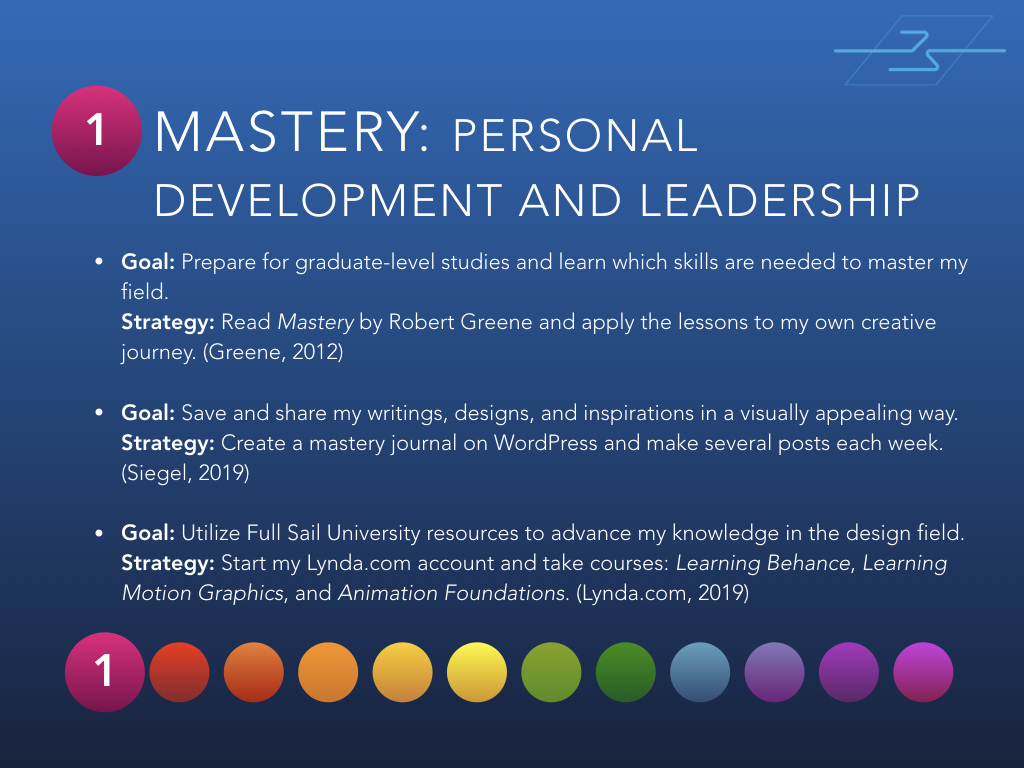
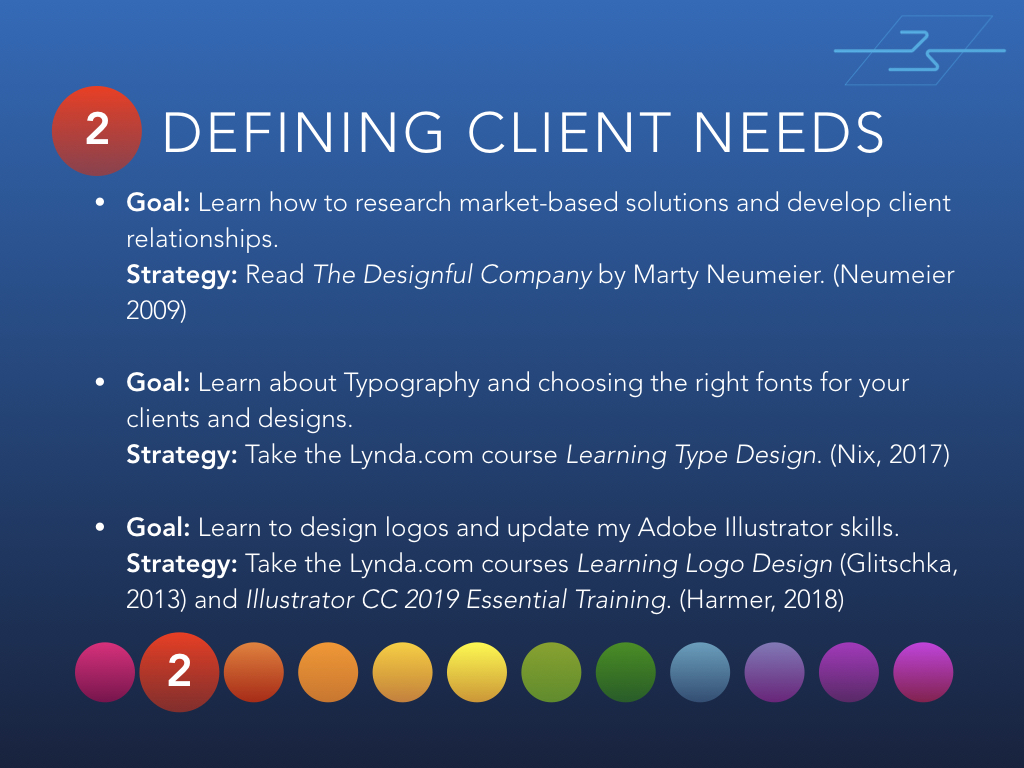
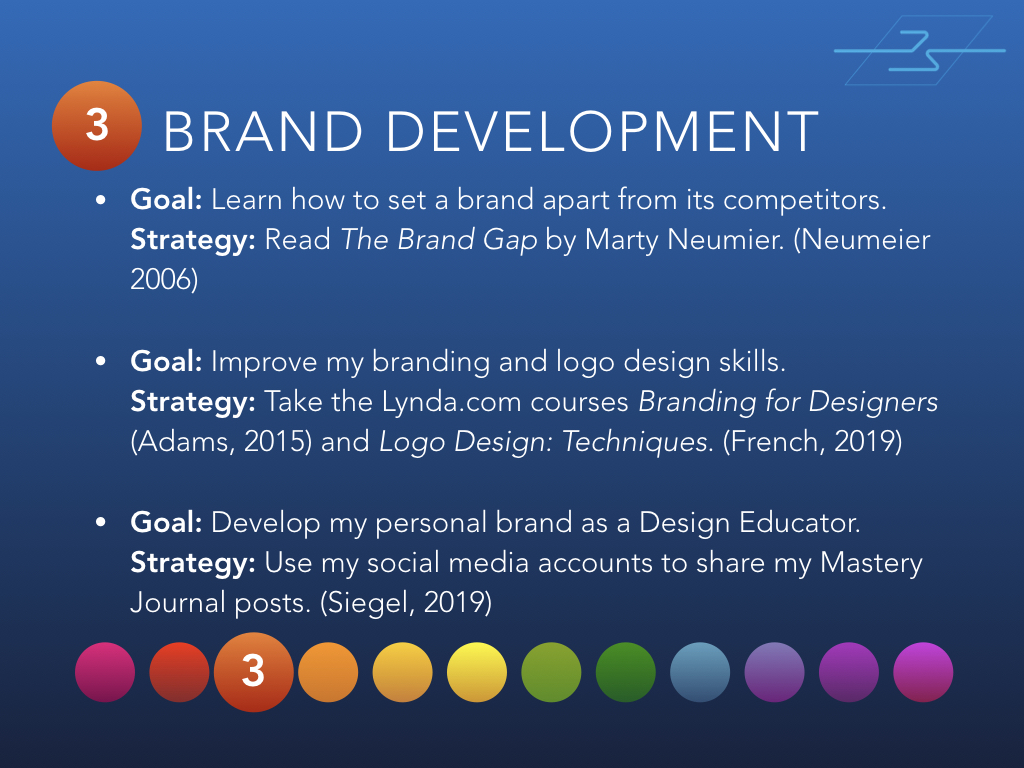
Below are 12 slides from the presentation, one for each month of classes at Full Sail University.

Month 1 - Mastery: Personal Development and Leadership
Month 1 – Mastery: Personal Development and Leadership

Month 2 - Defining Client Needs
Month 2 – Defining Client Needs

Month 3 - Brand Development
Month 3 – Brand Development

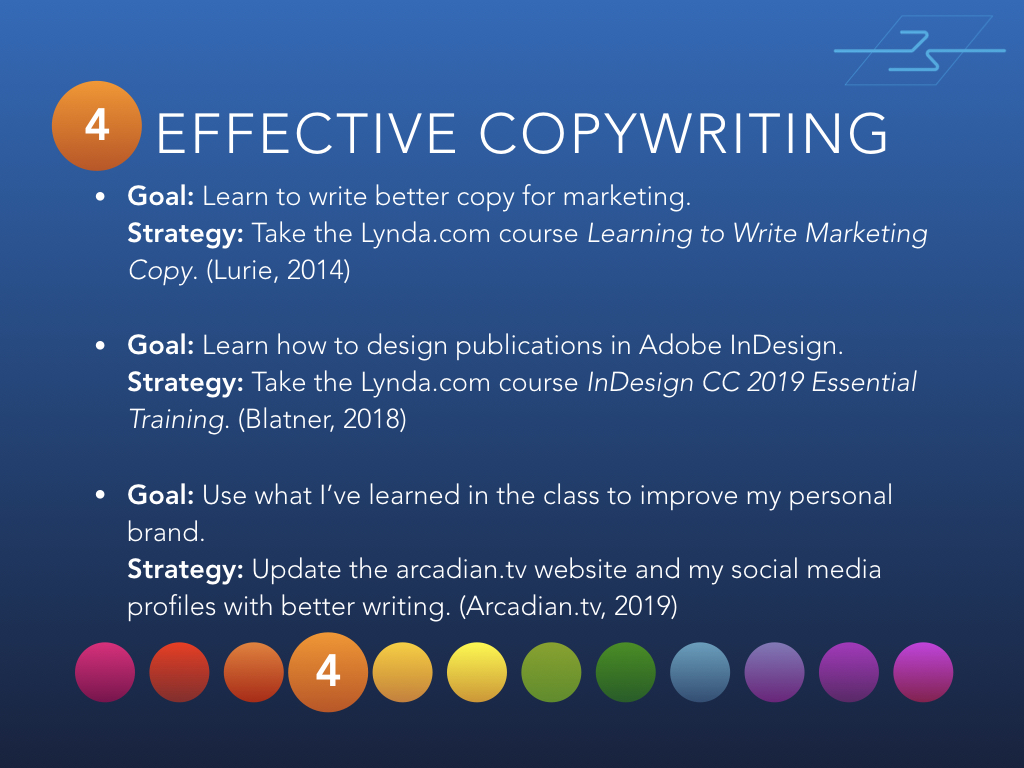
Month 4 - Effective Copywriting
Month 4 – Effective Copywriting

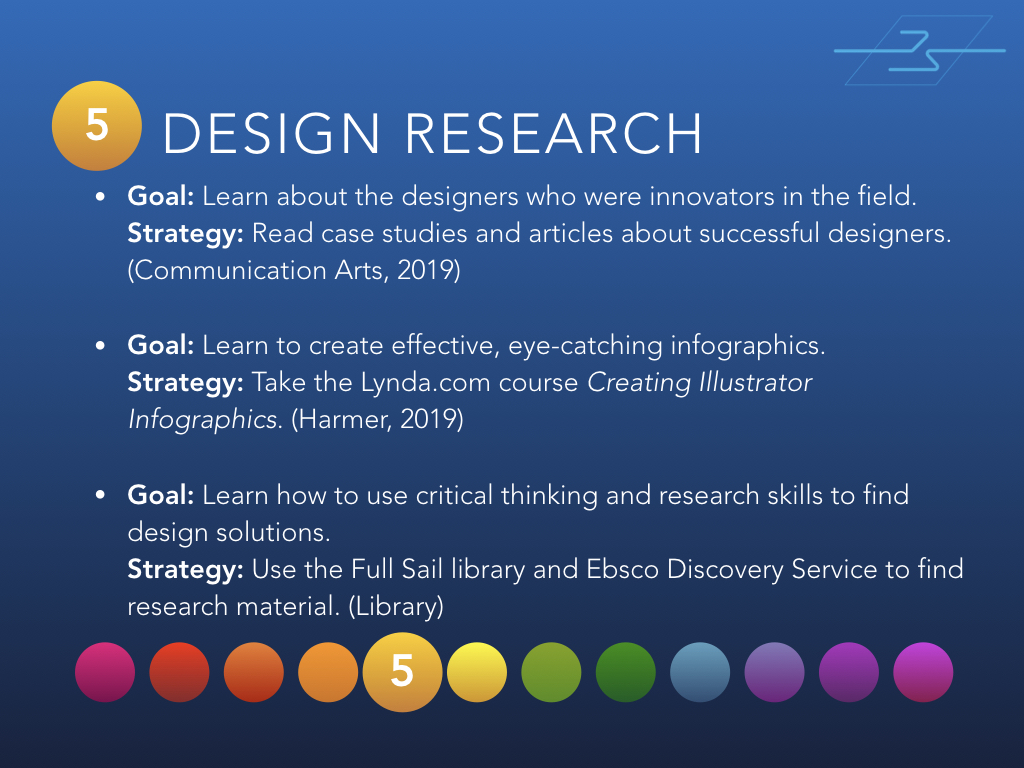
Month 5 - Design Research
Month 5 – Design Research

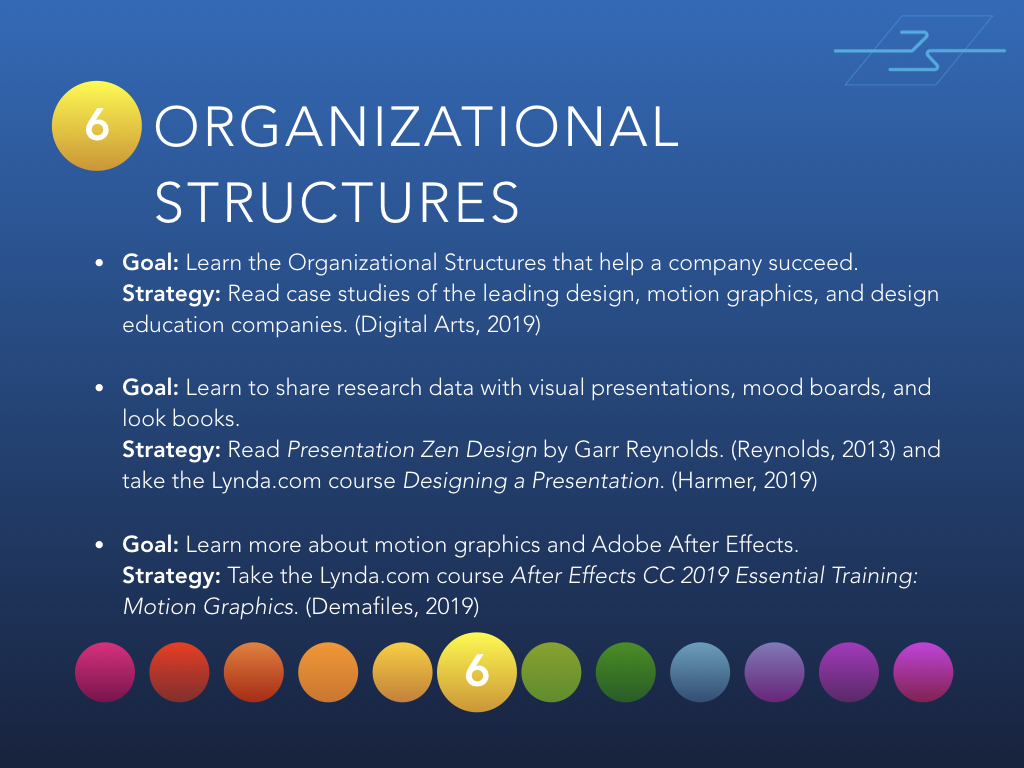
Month 6 - Organizational Structures
Month 6 – Organizational Structures

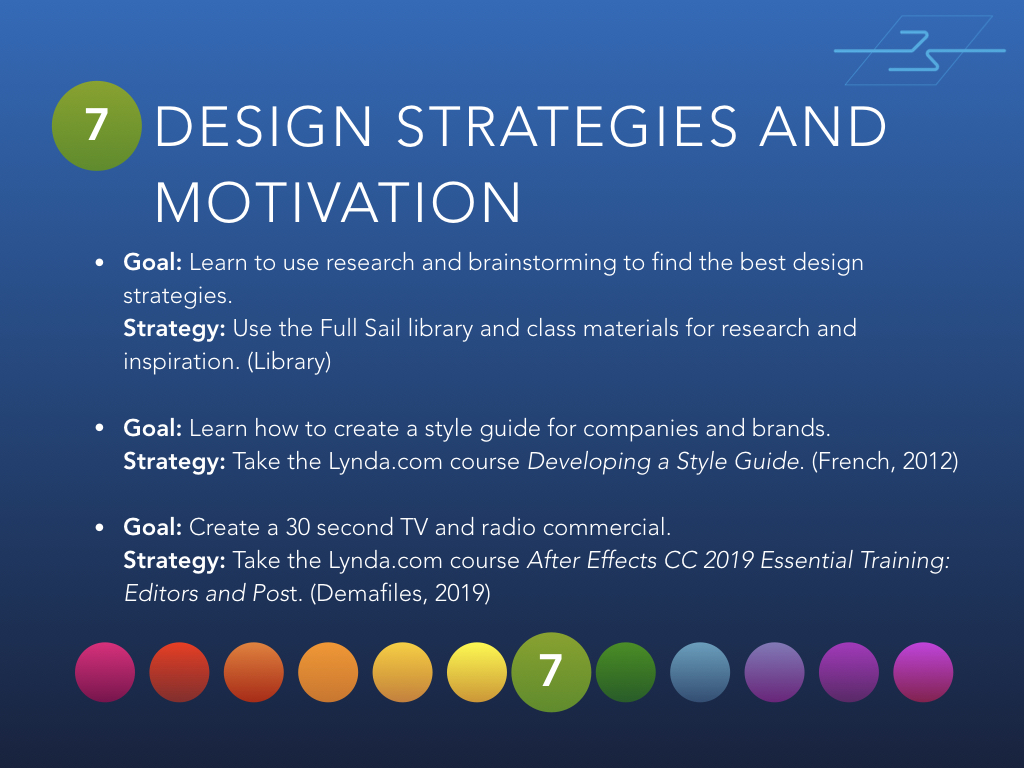
Month 7 - Design Strategies and Motivation
Month 7 – Design Strategies and Motivation

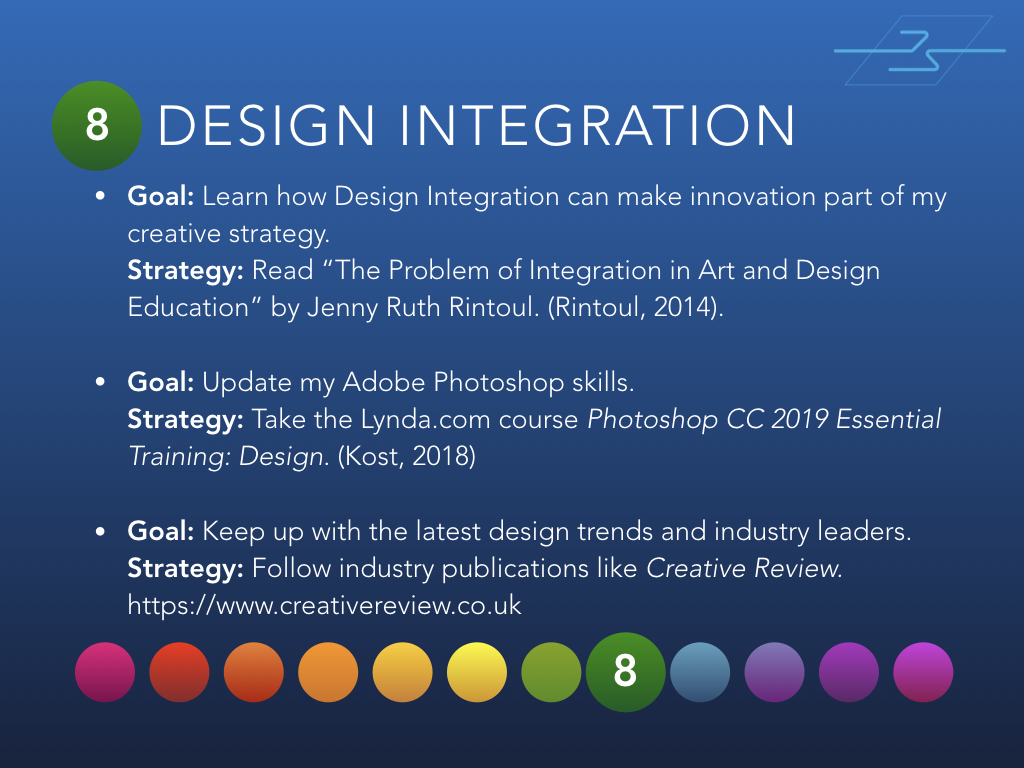
Month 8 - Design Integration
Month 8 – Design Integration

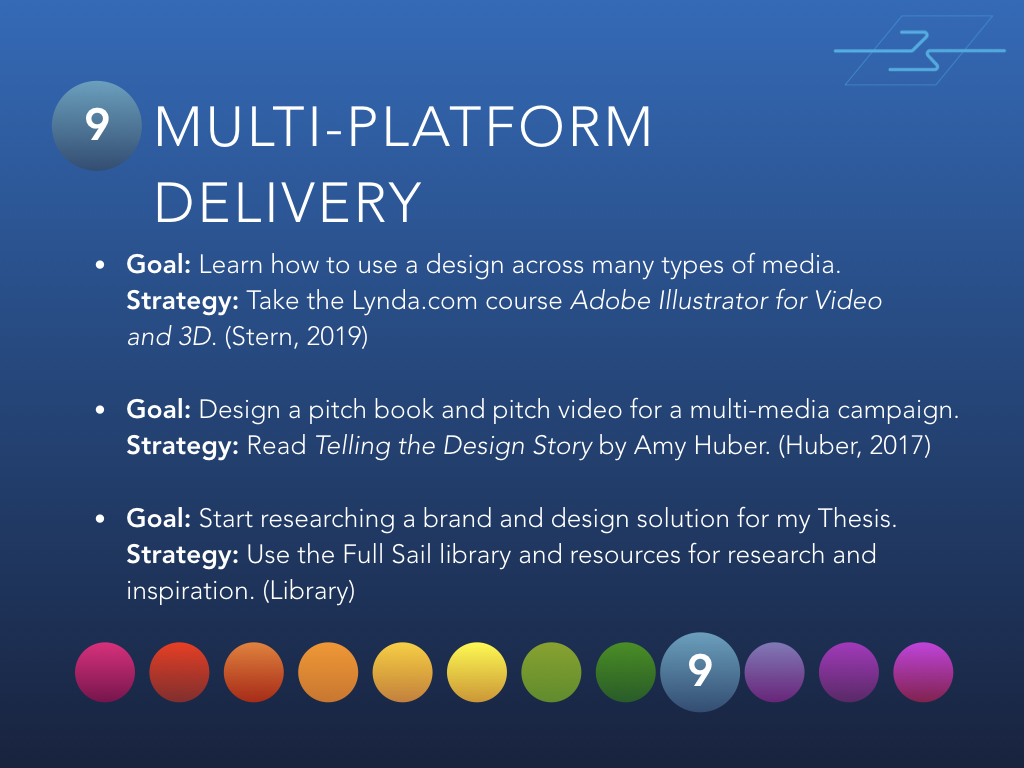
Month 9 - Multi-Platform Delivery
Month 9 – Multi-Platform Delivery

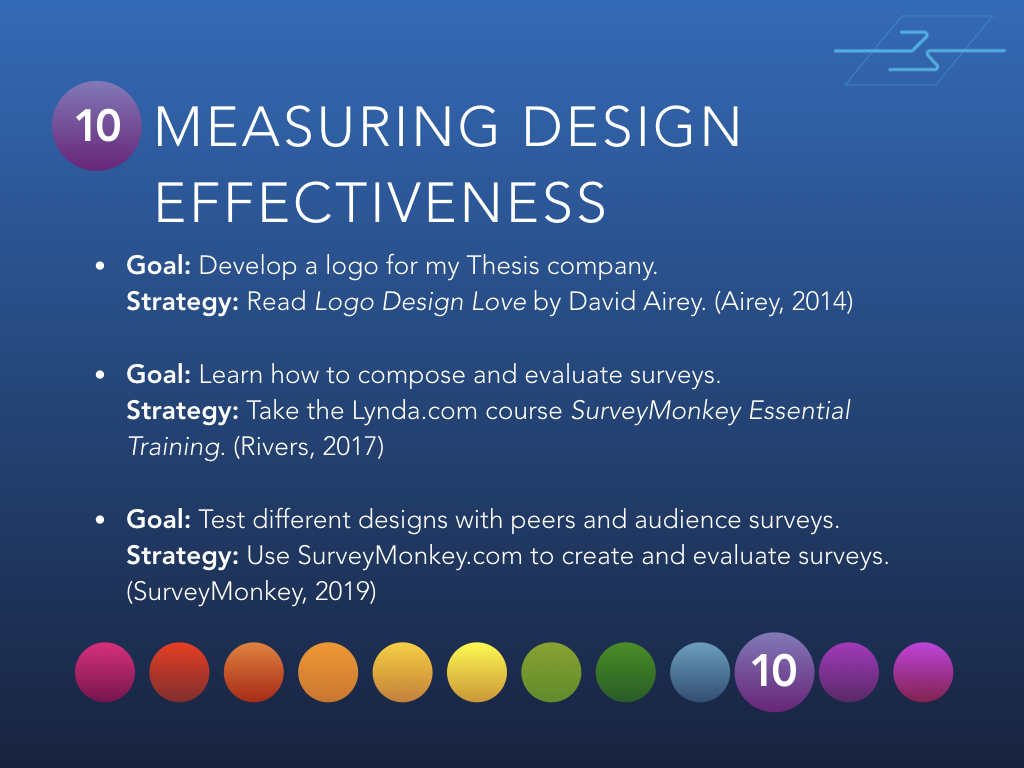
Month 10 - Measuring Design Effectiveness
Month 10 – Measuring Design Effectiveness

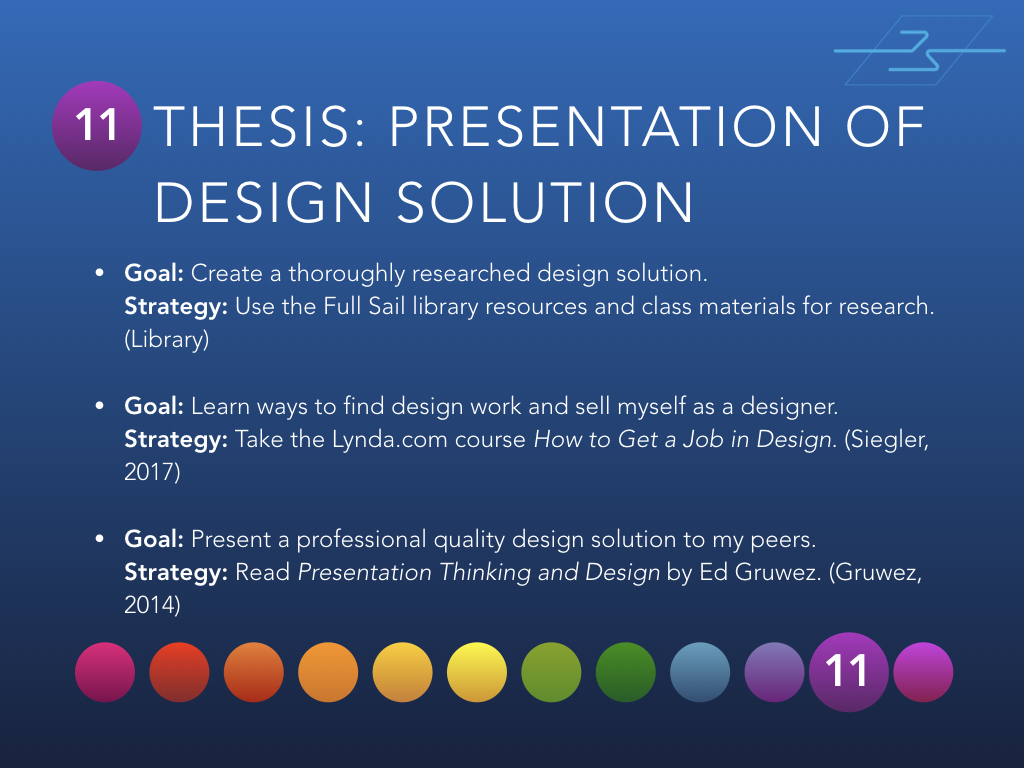
Month 11 - Thesis: Presentation of Design Solution
Month 11 – Thesis: Presentation of Design Solution

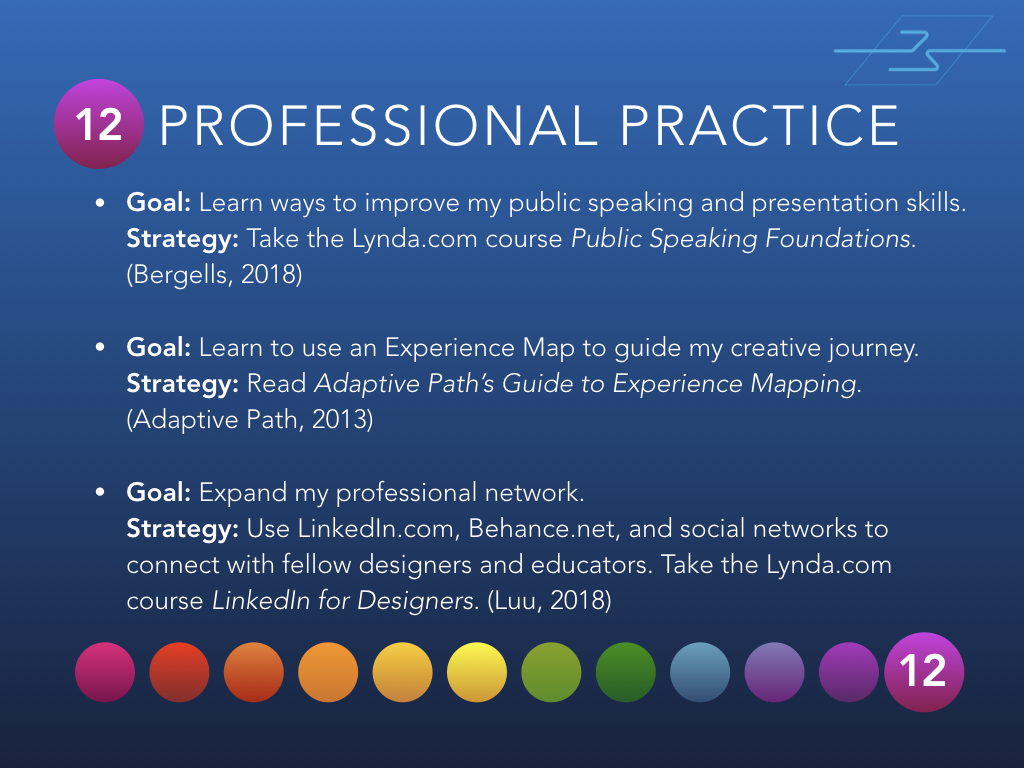
Month 12 - Professional Practice
Month 12 – Professional Practice

If you’d like to view the entire presentation, you can find it on SlideShare.

Have you done something like this? Have questions or comments? I’d love to hear from you!

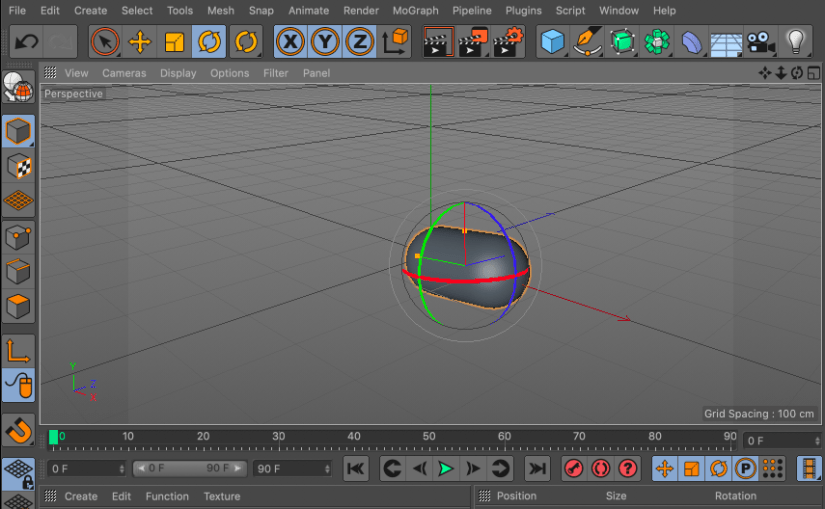
Inspiration – Cinema 4D Lite in After Effect CC

I’ve been making the most out of my Lynda.com subscription, watching tutorial videos for at least an hour every day. One of the great “Weekly” courses is Motion Graphics Weekly. If you want to learn more about creating 3D graphics in After Effects and Cinema 4D, it’s worth checking out.
https://www.lynda.com/After-Effects-tutorials/Motion-Graphics-Weekly/548716-2.html

The coolest thing I’ve discovered there is that a free version of Cinema 4D is included with my Adobe Creative Cloud subscription. I plan to learn more about creating 3D graphics over the next few months and using Cinema 4D Lite will make the learning curve easier. It will also save some money.

If you have a Lynda.com subscription, watch this video:

https://www.lynda.com/After-Effects-tutorials/Free-version-Cinema-4D-included-After-Effects/548716/800073-4.html

If not, here are the basic steps to find and open Cinema 4D Lite.

  1. Open After Effects
  2. File > New > Maxon Cinema 4D File
  3. Name the file and click OK
  4. Cinema 4D Lite will launch

It’s that easy. Time to play!

Developing a Personal Brand

I recently started the personal project of developing my brand, a personal brand completely distinct from Arcadian Entertainment.

Freehand sketches

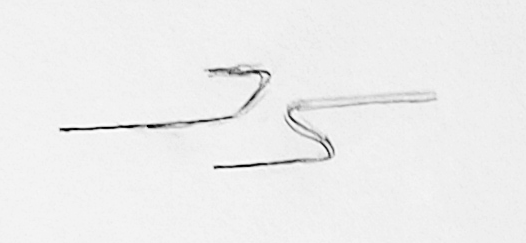
JS logo sketch 1

This is the JS initials I’ve used for years to sign my painting and artwork. I think it’s too simplistic for a brand logo, but it’s a good starting point.

JS logo sketch 2

To modify the logo, I made the J into a single line and lined up the bottom line of the J with the top line of the S. Still too simple, but starting to look a little more dynamic.

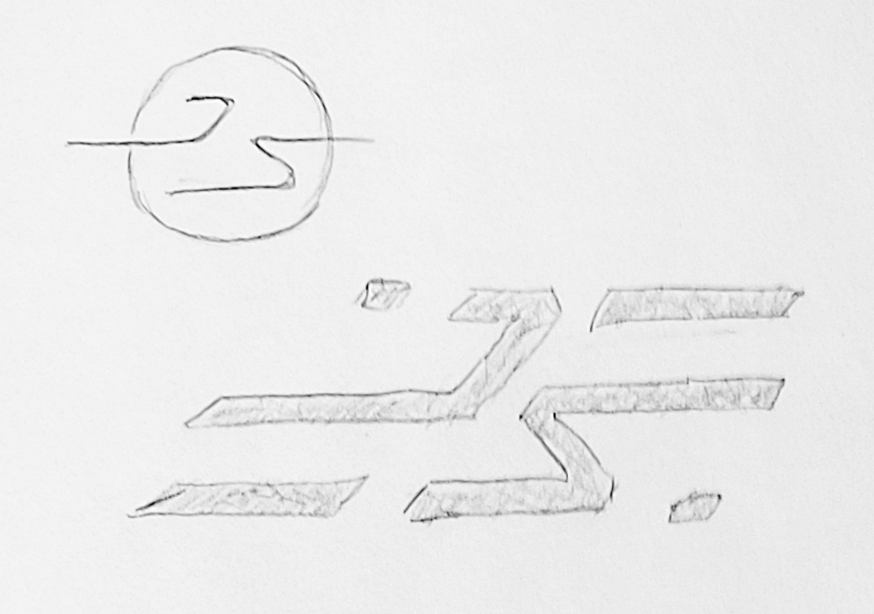
JS logo sketches 3

First I tried a circle around the logo to make it pop from the background. The next sketch made the letters thicker and added additional lines and dashes. Part of me liked this design, but I decided that it was just a little too abstract and busy.

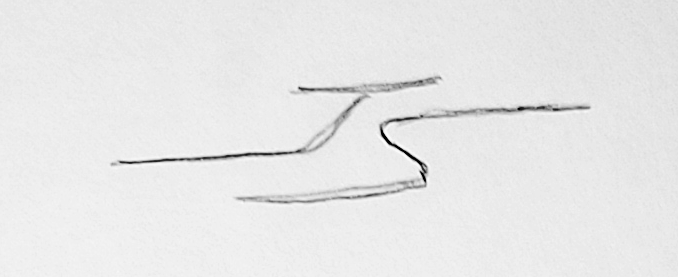
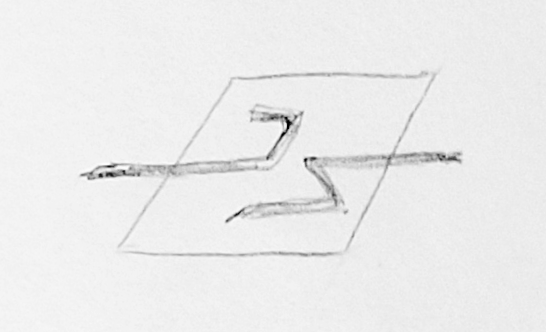
JS logo sketch 4

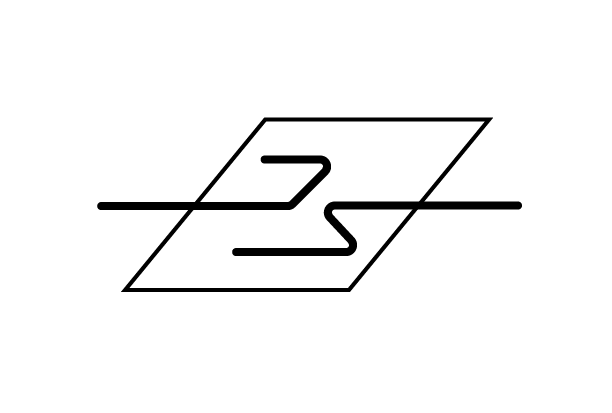
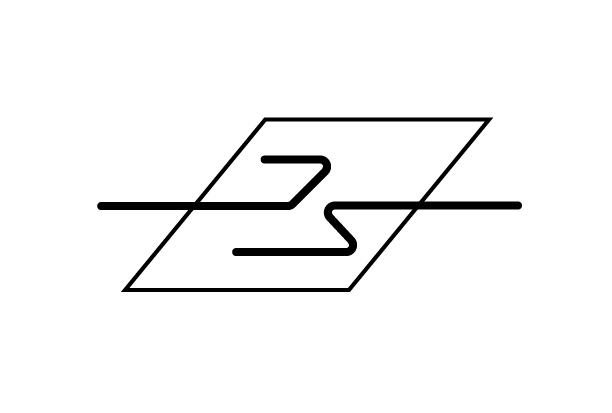
This last design uses a parallelogram behind the letters. Although the sketch is messy, I decided to move forward with this design.

Adobe Illustrator designs

The next step of my design process was to create basic line shapes in Adobe Illustrator

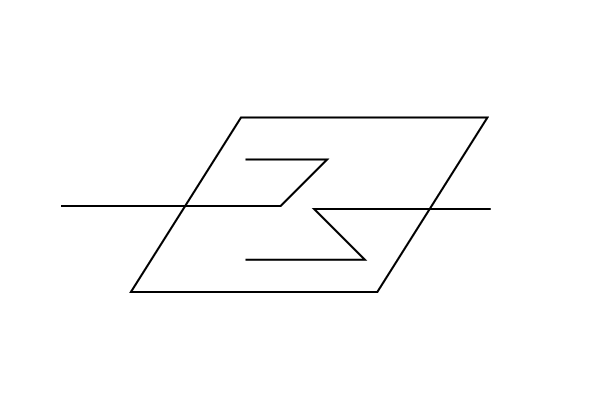
JS logo design 1

The design has energy, but needs more depth and precision.

JS logo design 2

The second version feels good to me. I changed the line weights, refined the angles, and made the letters a bit smoother with curved corners and rounded ends. I feel like it’s a clean design, but maybe it could be pushed further.

Feedback and critiques are welcome. Just leave a comment below!

Inspiration – Keep Moving Forward

Keep Moving Forward

Inspiration

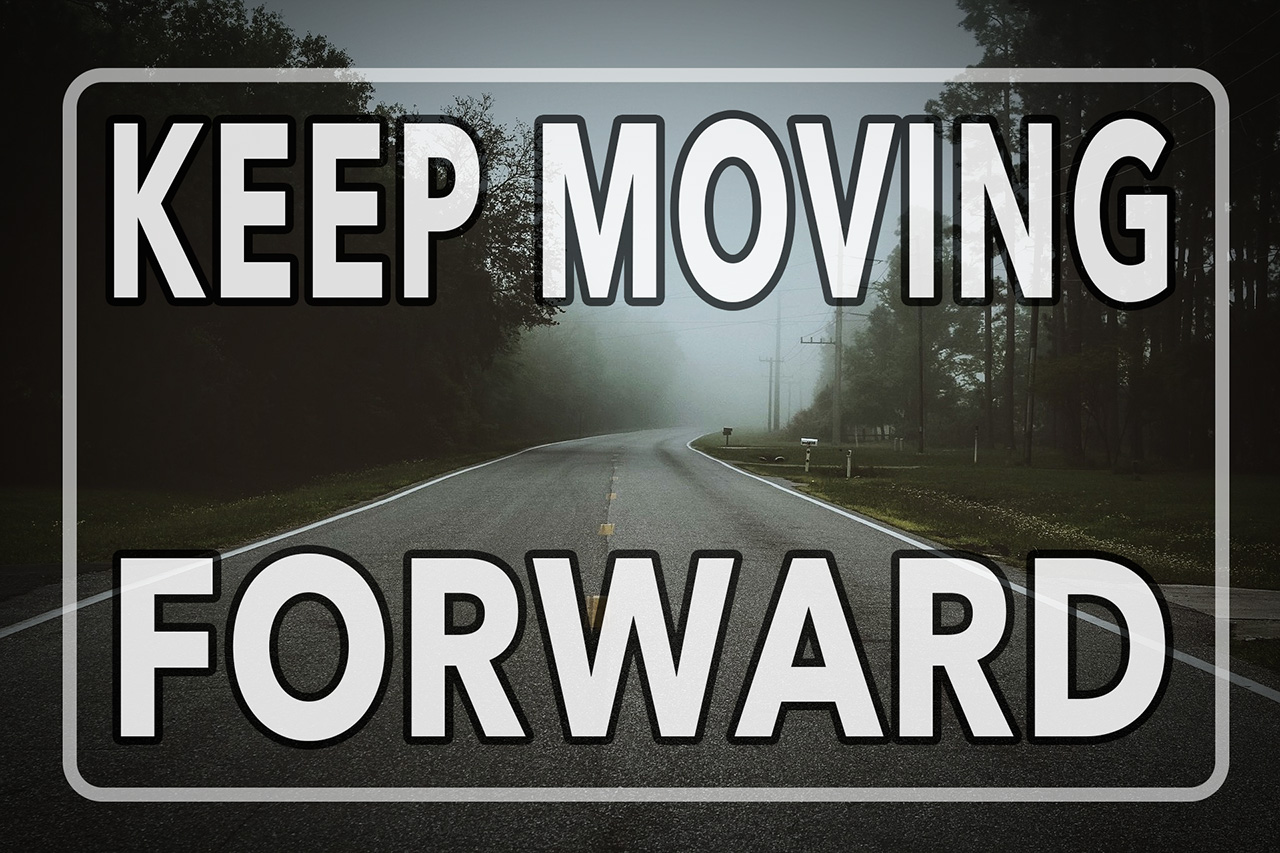
I created this motivational image with a free photo by Foundry Co from Pixabay.

It’s on my laptops’s background to remind myself that when times get tough you have to keep moving forward no matter what. I tried to think of something clever to add, but those three words pretty neatly sum up my philosophy since driving though the fire in Paradise.

Every day on this new path, the distant haze gets a little clearer. The future is still a great mystery, but at least I can travel towards it with confidence.

Mastery Journal – LinkedIn

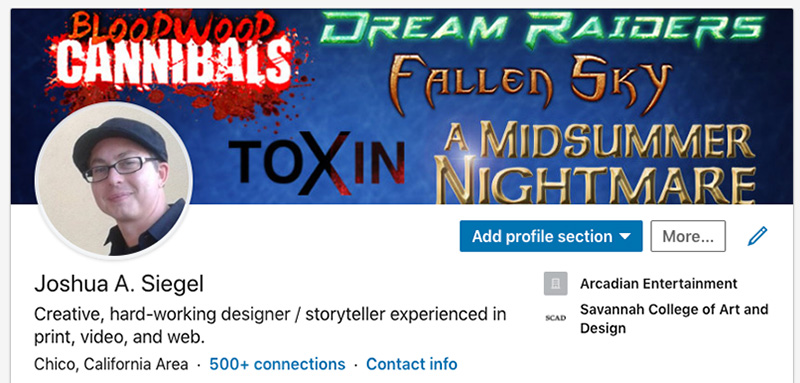
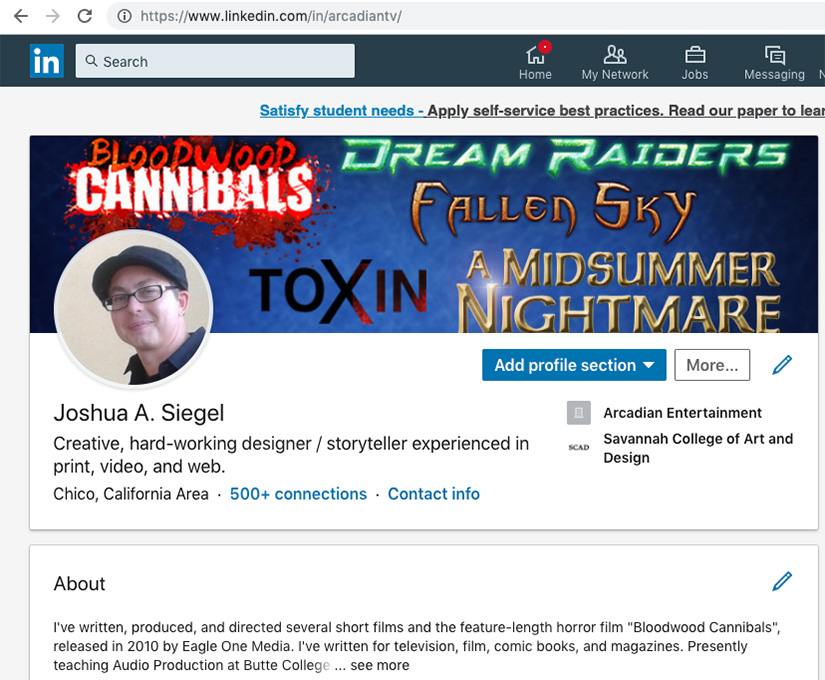
The second step to develop a Personal Learning Network (PLN) is to establish or update your LinkedIn account. I’ve had an account for many years, but I also hadn’t updated it since the fire.

My LinkedIn profile is now more in line with my Mastery path of Motion Design and Education.

https://www.linkedin.com/in/arcadiantv/

If you’d like to connect with me in LinkedIn, be sure to let me know you saw this post!

Mastery Journal – Feedly

This post is the first related to my Personal Learning Network. A PLN is a culmination of resources and connections that expands your network both personally and professionally. In week 3 of the Mastery: Personal Development and Leadership course from Full Sail University, we are starting our PLN with a Feedly account.

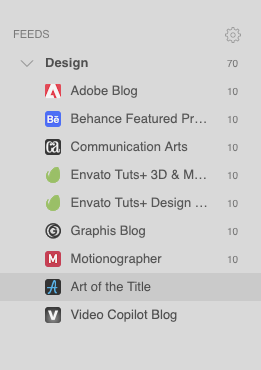
The screencap above show the first few blogs that I added to a “Design” feed. Feedly makes it easy to get updates on websites and blogs I already followed, as well as finding new sources of design info.

Learning Journal – Podcasting

Over the summer break, I’m taking several courses from Adobe Education Exchange https://edex.adobe.com/

The first class is PODCASTING.

I’ve used Adobe Audition for many years along with Photoshop, Premiere, and After Effects. I currently teach Podcasting as part of my curriculum and plan to use the skills and resources from this workshop to improve the class and help my students start their own podcasts.

Even though I don’t have the best gear since losing everything in the Camp Fire, this workshop should help me show students that you don’t need high-end microphones and a recording studio to produce a podcast.

My Introduction assignment was recorded on my phone, edited in Audition, and uploaded to SoundCloud.

Podcast Workshop Intro Mixdown

Thoughts on the Introduction assignment.

The audio quality of the WAV file I recorded on my Android phone was better than I expected. There was some drop-off in the higher frequencies and some background noise.

I used the Noise Reduction (process) filter and Dynamic Processing to set a noise gate. This eliminated all unwanted background noise. Next I used the Parametric Equalizer filter to give a high frequency boost and attenuate some of the muddiness in the 175-250Hz range.

The background music is comprised of two loops from the Adobe Loopology collection.

Having used Audition for several years, this assignment was a pretty basic exercise but it was good practice for recording and cleaning up a voiceover track.

Thoughts on the second workshop assignment.

For this assignment I created a fictional podcast called “All Things Nerdy” about geek culture.

All Things Nerdy podcast intro on SoundCloud

All Things Nerdy podcast intro

In the intro, I used lightsaber and Godzilla sounds (easily identified by true nerds) mixed with General03-Funk-Mast-30.wav from the Adobe Loopology collection. Setting the background music to -28dB worked well.

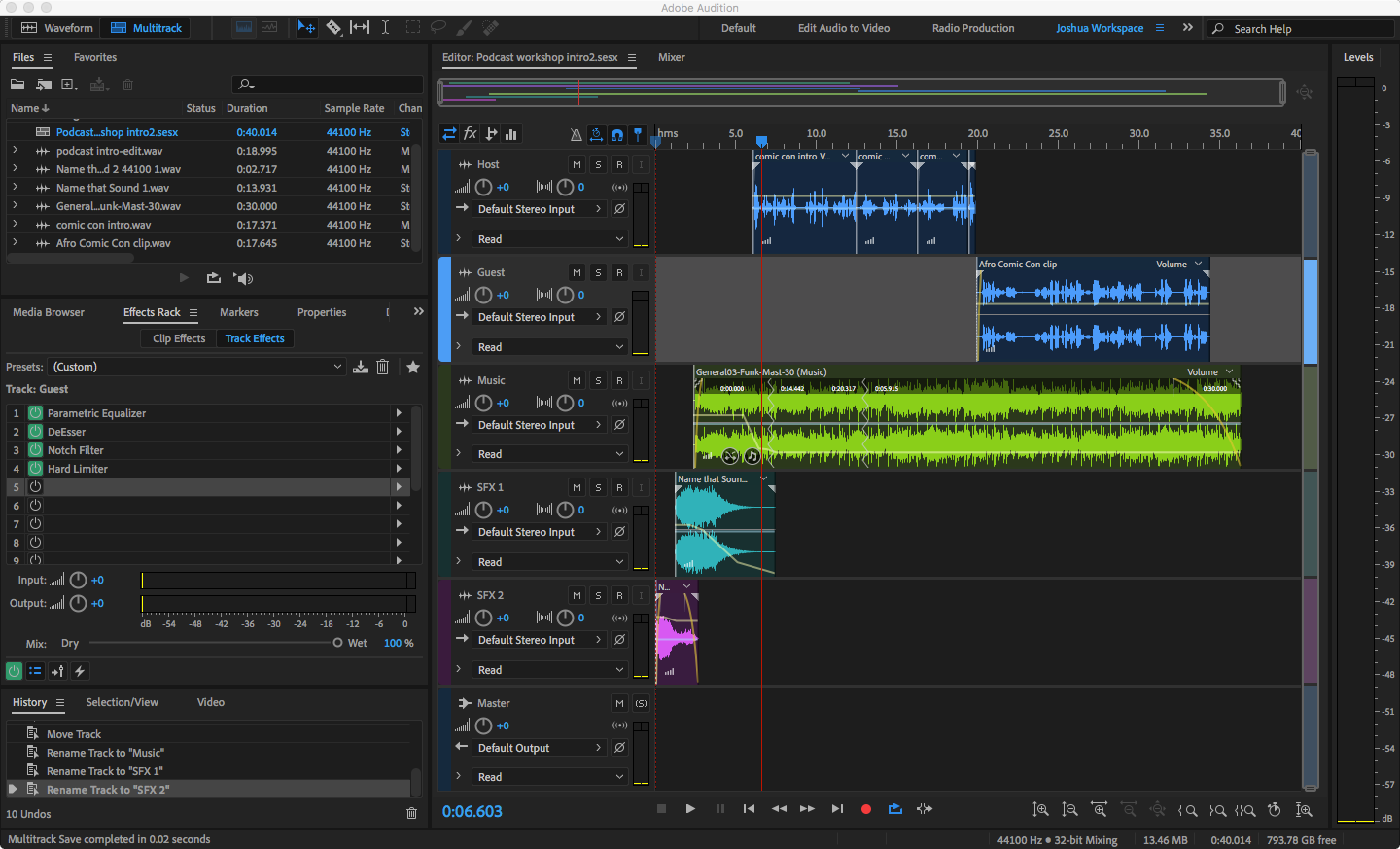
Adobe Audition podcast multitrack project

I recorded the host voiceover with my Android phone as a WAV in mono. The phone’s mic drops off most higher frequencies and has noticeable background noise. Fortunately, the first assignment helped me find a good workflow for improving audio recorded on my phone.

First I used the Noise Reduction (process) filter and Dynamic Processing to set a noise gate and eliminate the background noise. Next I used the Parametric Equalizer filter to give a high frequency boost and attenuate some of the muddiness in the 175-250Hz range.

For the guest voice track, I borrowed an MP3 from a friend’s podcast that I helped edit. I purposely chose an audio clip that was recorded over the phone with a less than ideal microphone, as many podcast interviews are recorded this way. Cleaning up the audio was a challenge when I first edited the podcast, and I wanted a chance to improve it more.

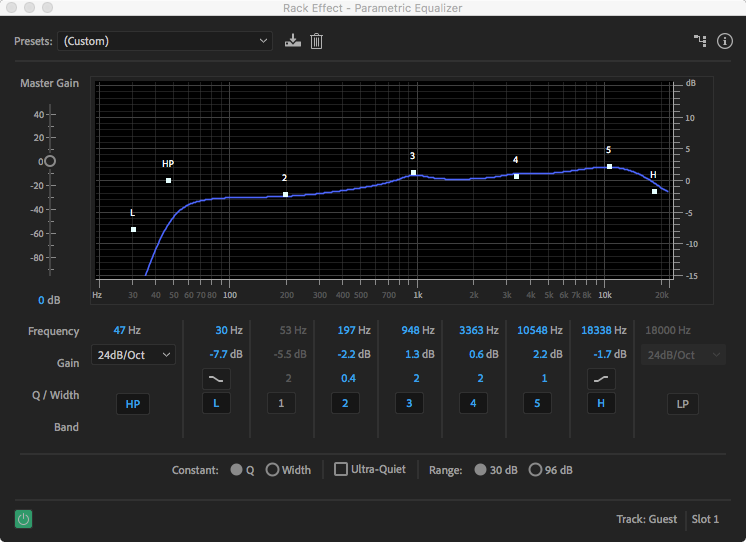
The DeEsser and Notch Filter fixed most of the troublesome sibilance in the clip. Next I used the Parametric Equalizer to give a high and mid frequency boost and create a High Pass (HP) filter to remove low frequencies not in the guest’s vocal range.

Parametric Equalizer settings

Finally, I like to put a Hard Limiter on the Master track to keep everything below -3dB.

Final Thoughts

This was my first course in Adobe Education Exchange. Overall, it was a fun and enlightening endeavor. I definitely learned a few things that I can pass along to my students. Next semester we’ll record a short podcast in class, making the lecture more hands-on.